8 Best AI Carousel Generators for On-Brand Instagram and LinkedIn (2026)
 Pavan Ravikumar·Marketing Engineer, Velocity
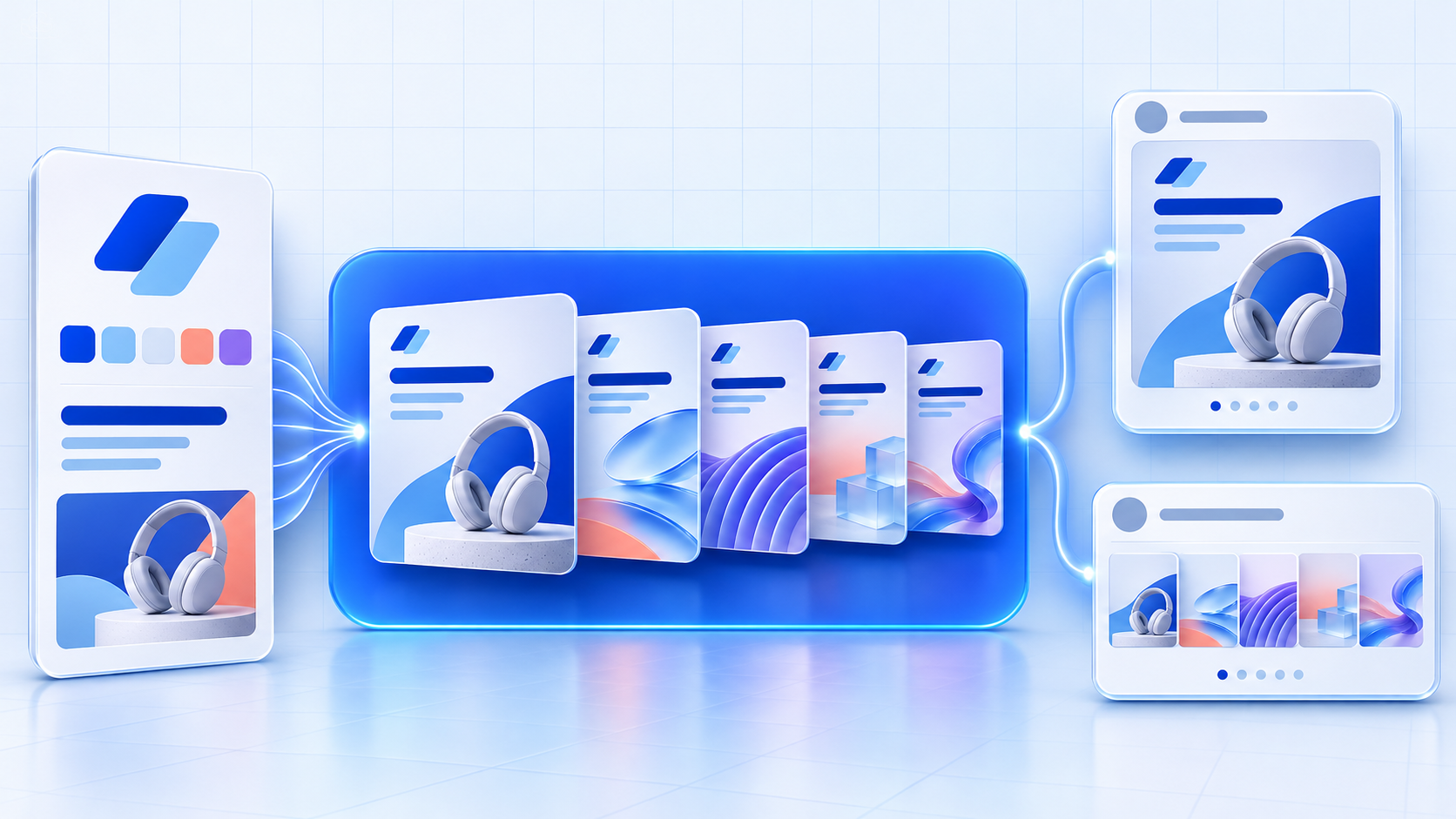
Social media teams preparing a product launch often need one brief to become on-brand Instagram and LinkedIn carousels while offer details still change. The bottleneck is brand consistency: the brand kit, hook, logo, typography, product images, and call to action must stay aligned across every slide. Without a shared Brand Identity, changed details mean manually revising the editable slide series and caption.
AI agents and AI carousel generators reduce that workload by turning a brief, product page, source link, or existing asset into editable on-brand Instagram and LinkedIn carousels using a saved Brand Kit or other brand guidance. They can build the slide story, draft the hook and caption, and apply a consistent visual direction. After review, supported workflows keep the approved carousel connected to its caption and selected account in Scheduling.
Different products bring different capabilities to the workflow. Some AI carousel generators provide a canvas or downloadable file; others use a Brand Kit to retain brand context and create editable multi-slide stories. Some connect selected carousel work to Content Approval, Publishing, or reporting. This guide helps teams choose whether a source becomes on-brand social content, how Instagram and LinkedIn versions are reviewed, and which plan covers brand or scheduling needs.
| Platform | Best for | Key features | Pricing and Free plan |
|---|---|---|---|
| Velocity | Marketing teams creating on-brand Instagram and LinkedIn carousels from one brief | AI agents use Brand Identity to create on-brand carousels for Instagram and LinkedIn, then support scheduling and publishing | Free plan available; Business Pro from $39/month. |
| Canva | Design-led marketing teams refining social slides manually | Editable canvas, saved visual settings, and AI design tools | Free plan available; Pro $144/year per person. |
| Predis.ai | Social marketers repurposing source material into carousel drafts | Topic or link inputs, editable text and layouts, publishing calendar | Core $19/month billed yearly; no free plan. |
| Adobe Express | Adobe Creative Cloud teams making multi-page social assets | Multi-page projects, Firefly, Resize, and Content Scheduler | Free plan available; Premium $9.99/month. |
| Taplio | LinkedIn-first consultants publishing document posts | Idea, article, or video to PDF; inline editing; LinkedIn queue | No free plan; Starter $39/month. |
| CarouselMaker | Budget creators preparing downloadable social slides | Topic, text, or URL inputs; custom fonts and colors; downloads | Free plan available; Pro $9/month. |
| PostNitro | Creators editing carousel drafts before paid distribution | Editable canvas, reusable brand assets, and paid scheduled publishing | Free plan available; Starter $15/month. |
| Carousel AI | Solo creators testing short AI-generated slide decks | Topic-to-slides, editing, PNG or PDF export, and paid scheduling | Free plan available; Creator $8/month. |
What an AI social media agent for on-brand Instagram and LinkedIn carousels is, and what it is notLink to this section
An AI social media agent works toward a social-media goal across more than one supported step. For an on-brand carousel, it may use account and Brand Identity context, develop an angle from supplied source material, prepare an editable slide series and channel-aware version, then retain the selected work through review and into scheduling or publishing where those routes are supported. That is different from returning one caption, image, design, or timing recommendation in isolation.
Not every product with an AI feature has that role. A product can be genuinely useful for creating a visual, drafting copy, organizing a queue, or reporting performance, while its documented workflow stops at that stage. The practical question is not whether a product uses AI, but which part of the carousel-to-release process it actually supports.
What an AI social media agent is not:
- A social listening or analytics platform. It identifies audience signals or reports results, but normally ends with insight rather than preparing the carousel and release decision.
- A visual-creation or design platform. It gives a person a canvas, templates, or visual controls, but normally relies on that person to direct the slide story and downstream handoff.
- An AI writing, caption, or post generator. It can draft hooks, slide copy, or captions, but the work may still need to move into a design and publishing process.
- A scheduler or publishing queue. It holds approved posts for connected accounts and dates, but normally begins after the creative work is already complete.
This guide keeps those roles separate. It compares each product by the specific work it documents around brand context, source-to-slide preparation, editing and review, scheduling or publishing, analytics, and the pricing scope that enables the relevant workflow.
The 8 Best AI Carousel Generators for On-Brand Instagram and LinkedInLink to this section
1. VelocityLink to this section
Best forLink to this section
- Small-business owners who need AI agents to turn promotions into on-brand carousels using real brand assets.
- Marketing teams turning one brief into distinct Instagram and LinkedIn carousels with matching captions and visual direction.
- Agencies needing distinct client Brand Identities that preserve brand consistency across logos, colors, and product photos.
What it doesLink to this section
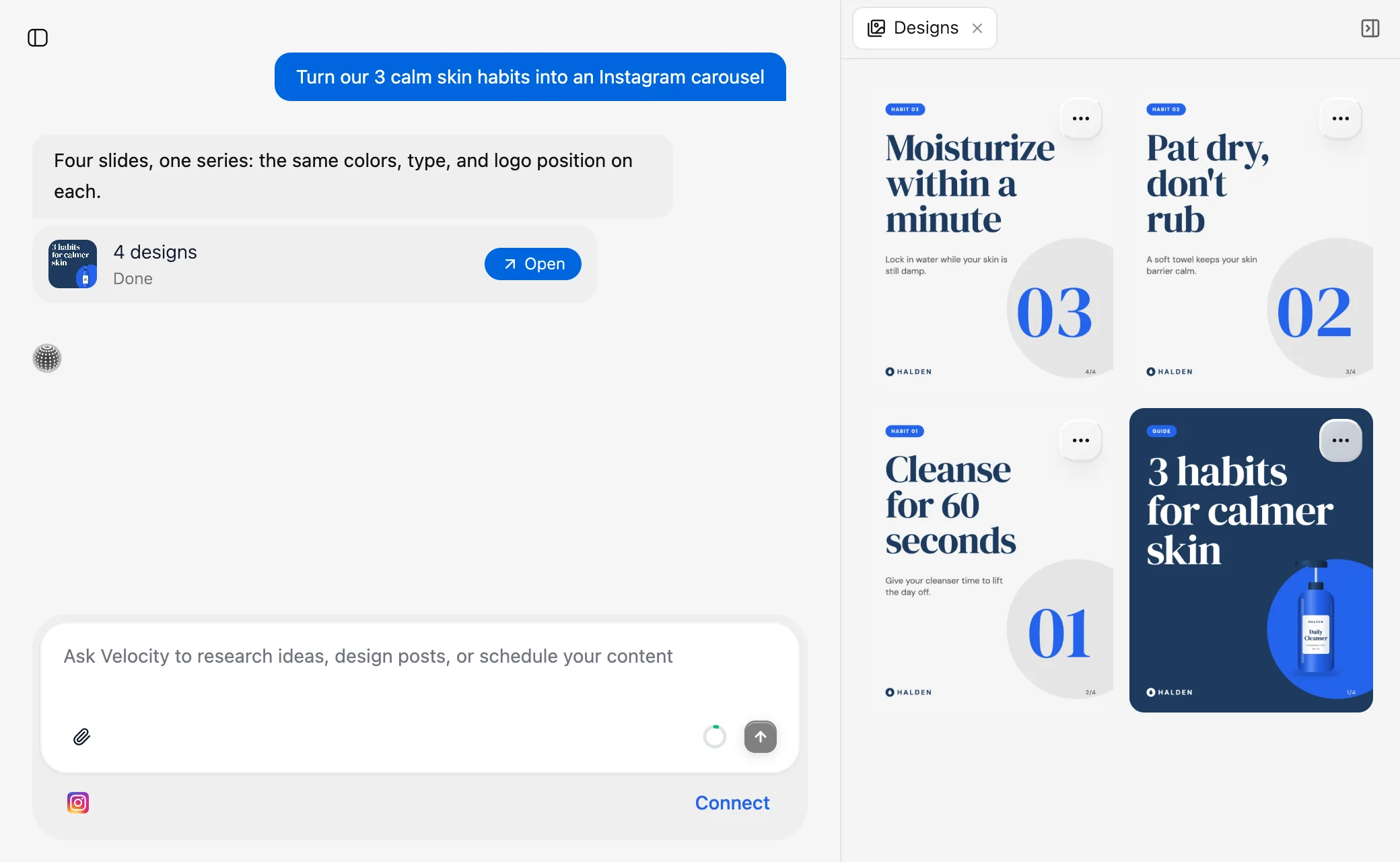
Velocity is an AI social media agent platform that helps teams create editable social content and keep the work connected through review, scheduling, and publishing. For on-brand Instagram and LinkedIn carousels, Velocity’s AI agents apply saved brand guidance to maintain brand consistency across the multi-slide series and channel-specific caption. That lets teams turn a brief, product page, or existing asset into an editable carousel while retaining the saved brand context, real logo, and channel-specific caption for review.
Velocity’s AI agents build a Brand Identity from a business website, past posts, brand guidelines, and visual assets. This saved brand context works as a reusable Brand Kit of voice, colors, fonts, logo, and media, so recurring work does not start with scattered instructions. From a brief, product update, webpage, or existing asset, the agents create an editable on-brand Instagram or LinkedIn carousel as one visual series. Each slide is a matching AI on-brand design, using the selected Brand Identity, real logo, and supplied product photos. Its palette, type treatment, and logo position preserve brand consistency, while a channel-specific caption keeps written and visual messaging aligned.
Once an on-brand Instagram or LinkedIn carousel and caption are ready, Content Approval lets an owner or admin inspect the preview, approve it, or request changes in the same thread. The AI agents or team can revise the same draft and return it there, preserving the caption, slide visuals, and comment history needed to maintain brand consistency. Agencies can add a team-lead review before client approval. Once approved, Scheduling lets the team choose a release date and time or ask the agent to suggest a best time to post using data from the connected social accounts. The Content Calendar shows planned carousel posts in day, week, and month views, color-coded by platform with open days visible.
Publishing sends the approved carousel to its selected social account at the scheduled time. Analytics reports views, watch time, subscribers, and engagement rate from connected accounts. The AI agents can explain which carousel topic, opening slide, caption, call to action, or release time drove stronger engagement and use that context for the next request. This keeps an on-brand Instagram or LinkedIn carousel connected to its brand context and release decision, rather than ending at export. Velocity is rated 4.8 out of 5 on G2 for AI social media management.
What you’ll likeLink to this section
- Saved Brand Identity guides AI agents to create on-brand carousels with consistent colors, fonts, logos, and imagery.
- Each AI-generated carousel is composed as one visual series, from cover slide through final call to action.
- AI agents use the real logo unchanged and incorporate supplied product photos into designs.
- AI agents prepare a channel-aware caption for the selected Instagram or LinkedIn release.
- After feedback, AI agents create revised designs beside the original, keeping earlier work visible.
- After approval, AI agents keep carousel assets connected to scheduling or publishing.
Why Velocity might not be a good fitLink to this section
- Teams creating a single carousel from already approved copy and final assets may not need an AI-agent workflow that begins with source material and saved brand context.
- Creators making occasional downloadable slide decks, without a recurring Instagram or LinkedIn release process, may need less workflow support than Velocity provides.
Free plan: Yes (Free forever; no credit card required).
2. CanvaLink to this section
Best forLink to this section
- In-house marketers refining established social templates and visual assets.
- Small design teams making hands-on adjustments to individual slides.
What it doesLink to this section
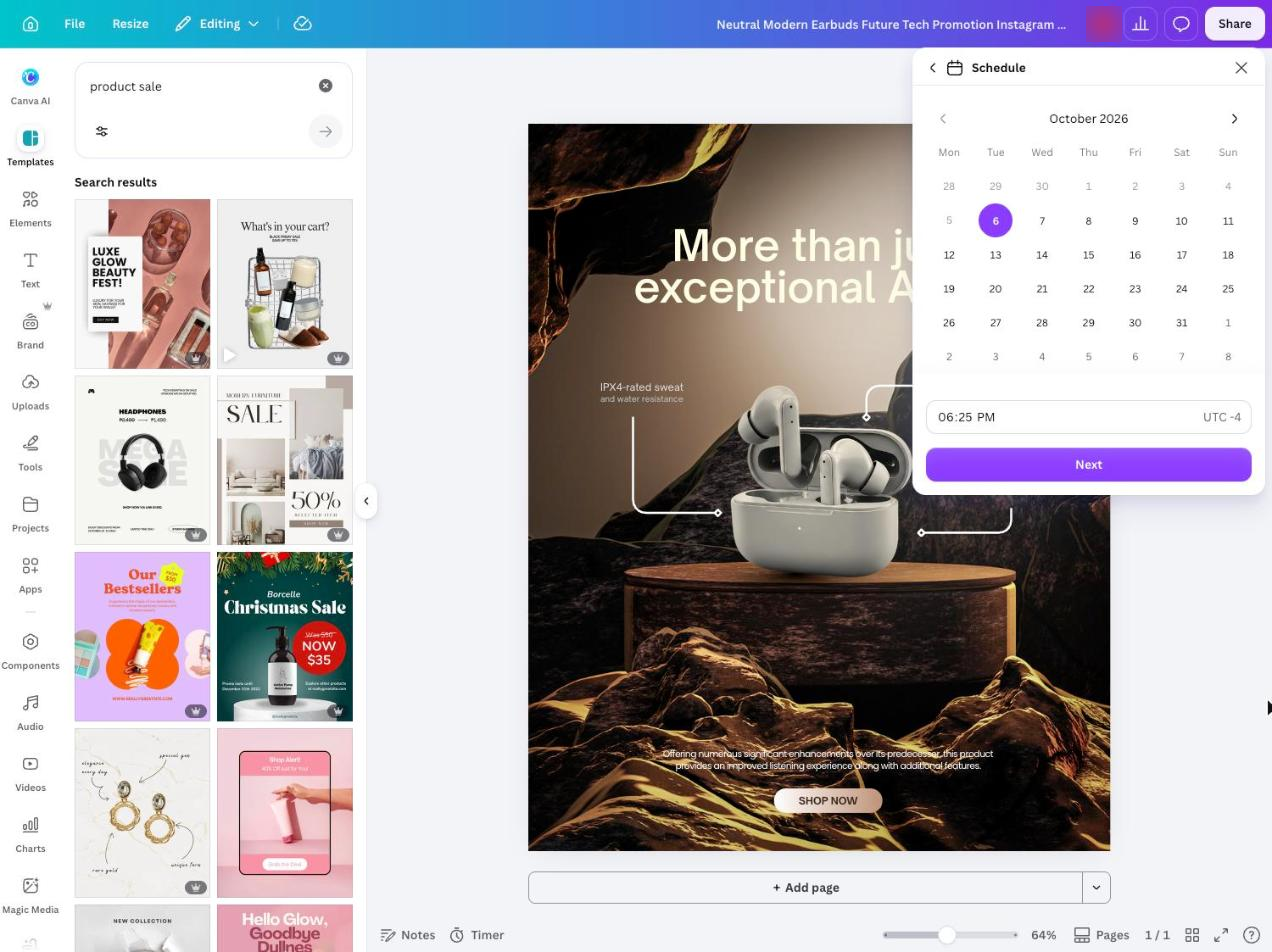
Canva provides a drag-and-drop editor, templates, AI design tools, and Brand Kits for social assets. Users can create multi-page designs, update text and images, and keep colors, fonts, and logos available in the workspace.
It is editor-led: the team still shapes the story, checks the slide order, and exports the finished asset. The Free plan includes one Brand Kit with up to three colors; broader Brand Kit capacity and social scheduling require a paid plan.
What you’ll likeLink to this section
- Brand Kits retain colors, fonts, and logos inside the design editor.
- Canva AI generates and transforms editable design elements.
- Multi-page projects keep related slide layouts together.
Where it falls shortLink to this section
- Free Brand Kits are limited to three colors.
- Users must arrange and check the final slide sequence.
- Social scheduling and larger Brand Kit capacity are paid features.
Free plan: Yes.
Read the detailed comparison: Velocity vs. Canva.
3. Predis.aiLink to this section
Best forLink to this section
- Social marketers turning source links into editable visual post drafts.
- Agencies managing separate client brands in dedicated workspaces.
What it doesLink to this section
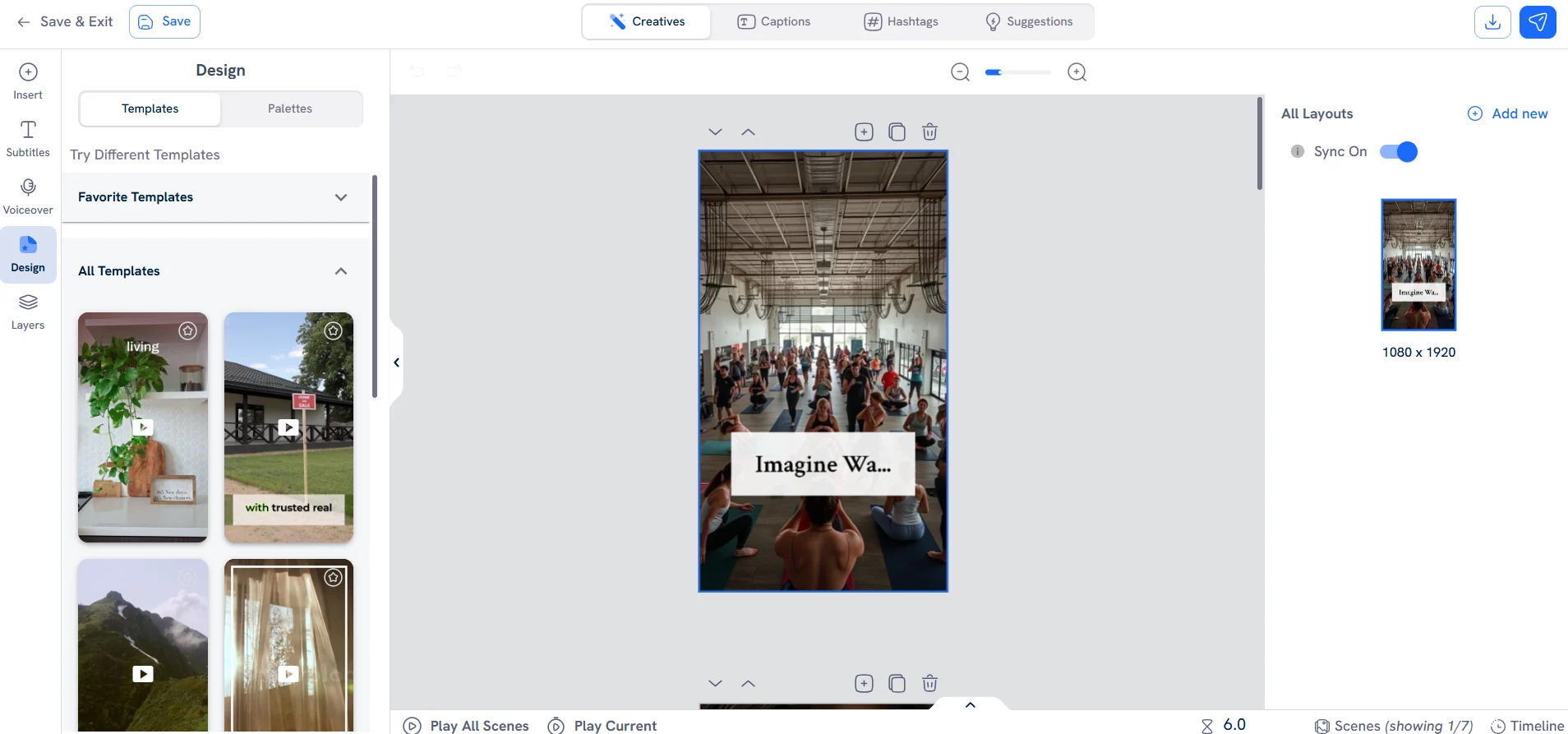
Predis.ai turns a topic or source link into an editable visual post, with slide text, layouts, and a selected Brand Kit. Users can revise text, fonts, templates, shapes, and stickers before downloading or planning the asset.
Its AI creation is credit-based. Core includes one brand and does not include auto-posting, while Rise adds capacity for more brands and scheduled publishing.
What you’ll likeLink to this section
- Brand Kits retain logos, colors, fonts, and tone.
- Text and layouts remain editable after generation.
- The calendar supports planning for connected social profiles.
Where it falls shortLink to this section
- Generation draws from monthly plan credits.
- Core does not include auto-posting.
- Multi-brand work requires Rise or an added brand.
Free plan: No.
4. Adobe ExpressLink to this section
Best forLink to this section
- Adobe Creative Cloud users producing multi-page social graphics.
- Designers who prefer template-led work in an Adobe canvas.
What it doesLink to this section
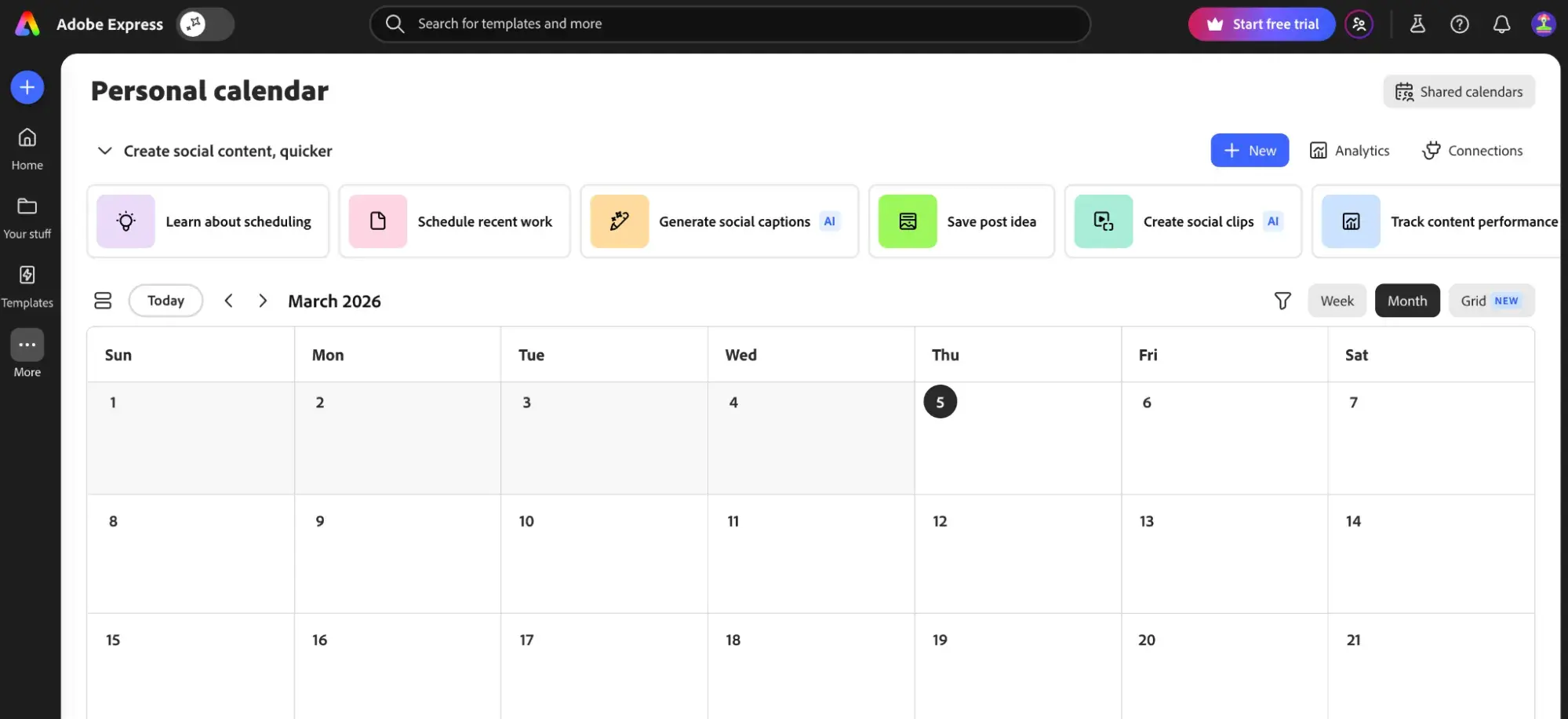
Adobe Express lets users duplicate pages within a project and edit text, images, and layout across the series. It also offers templates, Firefly features, Brand Kits, Resize, and Content Scheduler.
The workflow remains project-led: the user constructs and reviews each page in the canvas. Free scheduling covers one account per social network; Premium raises this to three accounts and includes 250 monthly generative credits.
What you’ll likeLink to this section
- Duplicate pages preserve a shared visual treatment.
- Firefly and Adobe Stock support creative production.
- Content Scheduler plans posts from the editor.
Where it falls shortLink to this section
- Each page still needs editorial construction and review.
- Free scheduling is limited to one account per network.
- Generative AI use is limited by monthly credits.
Free plan: Yes.
5. TaplioLink to this section
Best forLink to this section
- LinkedIn consultants repurposing articles or posts into document assets.
- Personal-brand creators publishing through a LinkedIn-first queue.
What it doesLink to this section
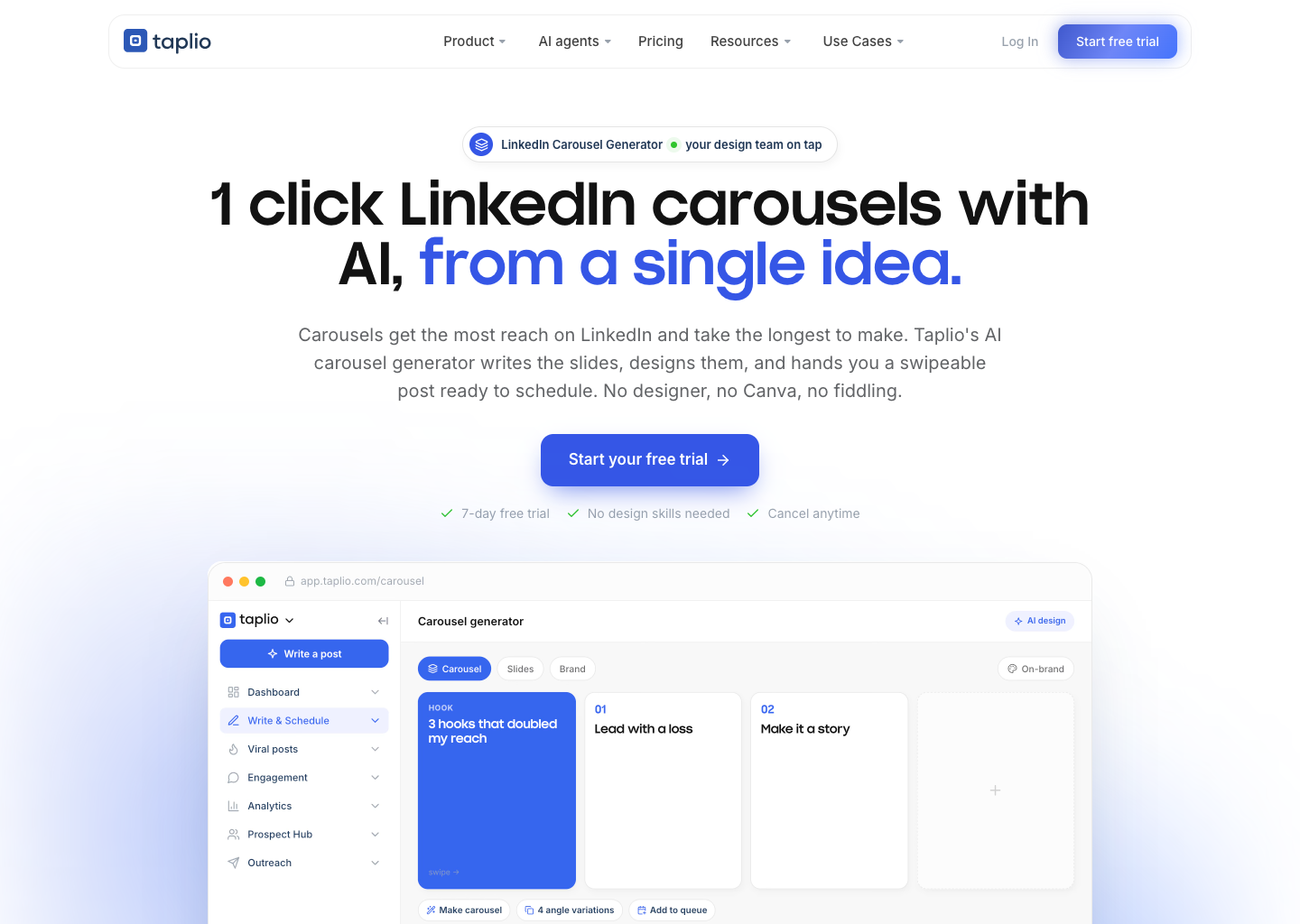
Taplio turns an idea, post, article, or video into a multi-slide document. The editor lets users apply saved colors and a logo, change slides inline, export a PDF, or add the post to its LinkedIn queue.
Its documented creation and publishing flow is LinkedIn-focused. The standalone generator keeps a watermark until a subscription is active, and AI writing starts on Growth rather than Starter.
What you’ll likeLink to this section
- Reshape posts, articles, videos, or ideas into slides.
- Apply saved colors and a logo to each document.
- Export a PDF or add the result to the queue.
Where it falls shortLink to this section
- The publishing workflow is limited to LinkedIn.
- Unsubscribed generator output carries a watermark.
- AI writing begins on the Growth plan.
Free plan: No.
6. CarouselMakerLink to this section
Best forLink to this section
- Budget creators making downloadable slide assets from supplied copy.
- Marketers preparing PDF documents for a separate release process.
What it doesLink to this section
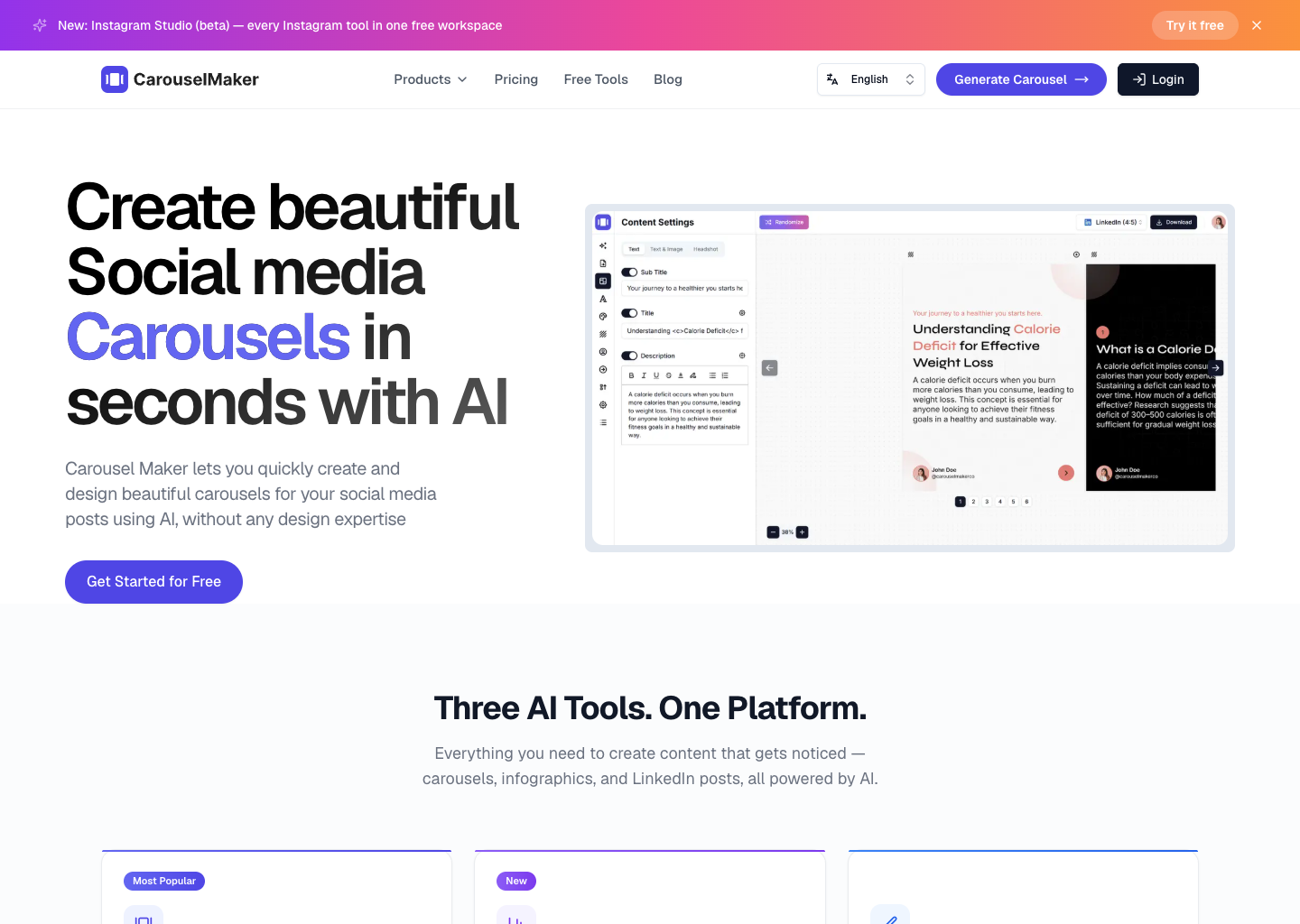
CarouselMaker creates slide assets from a topic, pasted text, URL, or blog content. Its editor includes custom font-pair and palette controls, then provides files for download.
The documented workflow ends with editing and downloading the asset. Its product pages do not document connected-account publishing or a review route, so teams need a separate release step.
What you’ll likeLink to this section
- Start from a topic, pasted text, URL, or blog.
- Apply uploaded fonts and a custom color palette.
- Download finished carousel files from the editor.
Where it falls shortLink to this section
- Starter includes only ten AI carousel credits.
- Starter assets are limited to six slides.
- Starter permits three downloads each day.
Free plan: Yes.
7. PostNitroLink to this section
Best forLink to this section
- Creators editing branded social assets in a visual canvas.
- Small content teams that need paid social distribution after design.
What it doesLink to this section
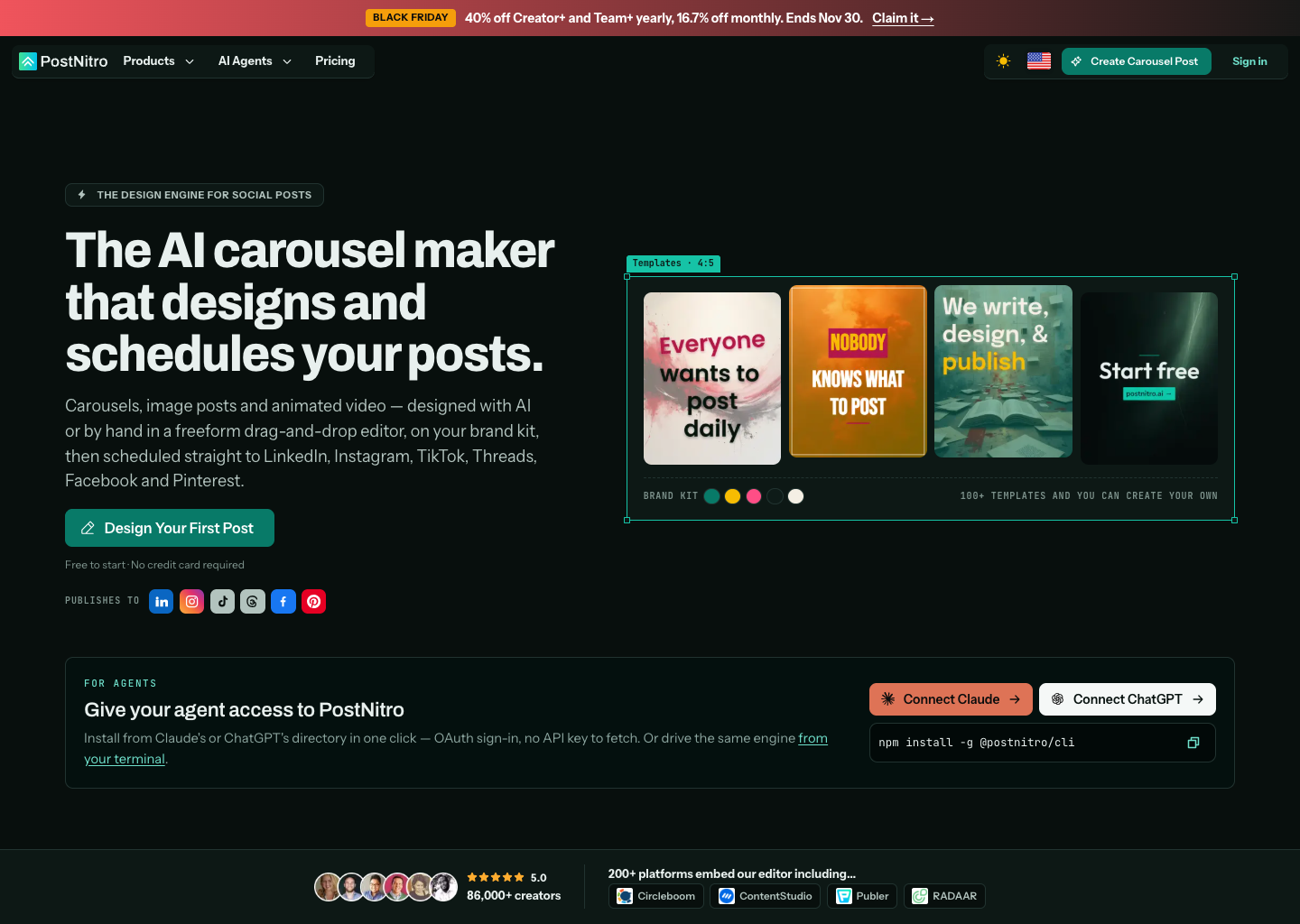
PostNitro creates social assets from a topic, article URL, existing text, or X post, then applies a selected Brand Kit in an editable canvas. It documents PNG, PDF, and MP4 export, plus publishing to selected social networks.
Its Free plan covers limited creation and downloads, while scheduling and social publishing begin on Creator+.
What you’ll likeLink to this section
- Store fonts, colors, logos, and headshots in a Brand Kit.
- Revise copy and layouts through chat or the canvas.
- Export social assets as PNG, PDF, or MP4.
Where it falls shortLink to this section
- Starter does not include scheduling or API access.
- Starter permits eight AI slides per carousel.
- Team workspaces begin on the Team+ plan.
Free plan: Yes.
8. Carousel AILink to this section
Best forLink to this section
- Solo creators making short slide sequences from a written topic.
- Mobile-first marketers exporting polished visual assets for release elsewhere.
What it doesLink to this section
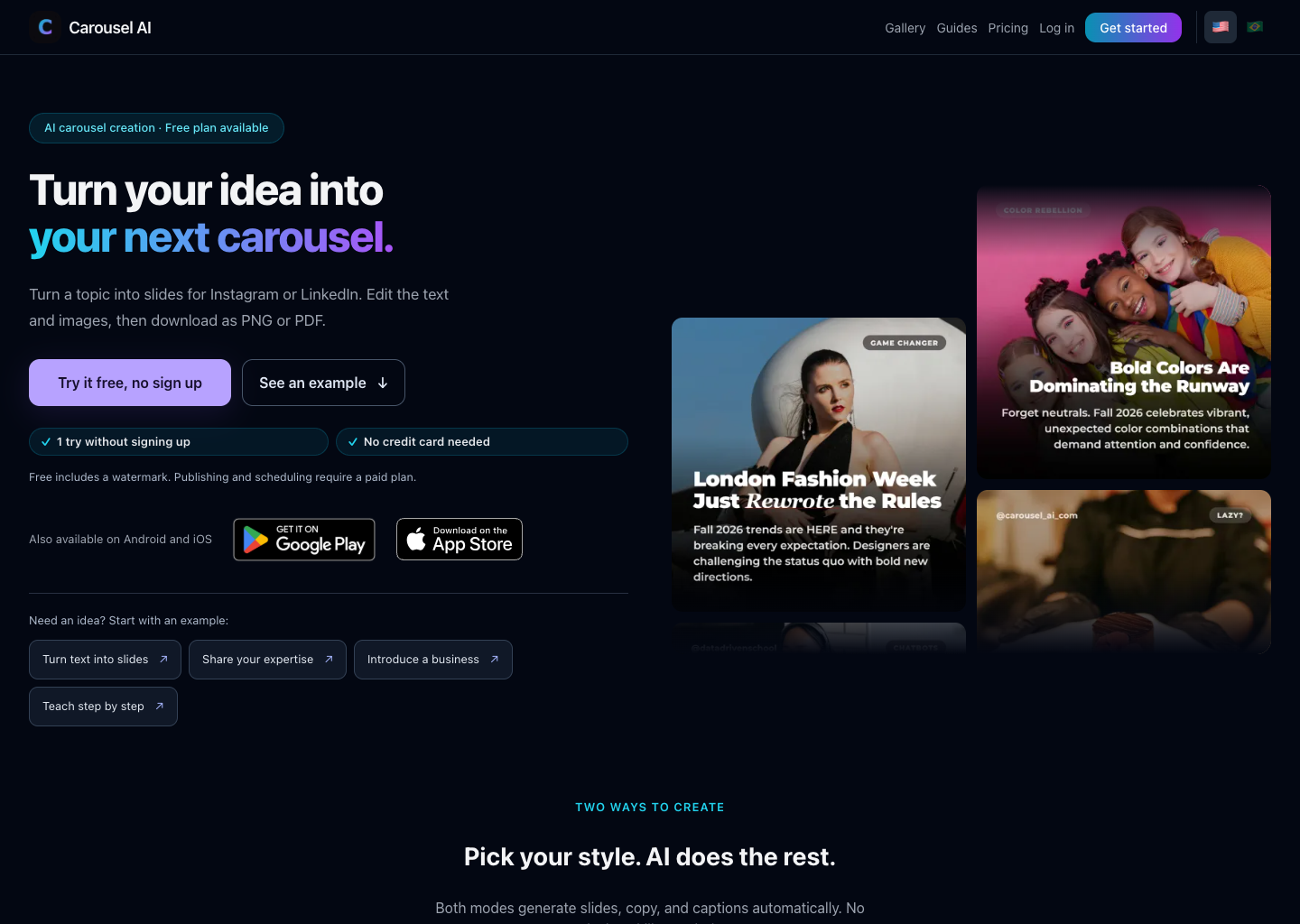
Carousel AI turns a topic, color choice, and style into editable slides, copy, layouts, captions, and an export. It supports PNG output for Instagram-style posts and PDF output for LinkedIn documents.
Free includes three monthly generations and a watermark. Direct publishing and scheduling require Creator or Pro, so the free tier primarily lets users assess the generator before a regular release workflow.
What you’ll likeLink to this section
- Generate slide copy, layouts, captions, and visual styles.
- Edit text, images, and fonts before export.
- Export finished work as PNG or PDF.
Where it falls shortLink to this section
- Free allows only three monthly generations.
- Free output includes a watermark on the final slide.
- Publishing and scheduling require a paid plan.
Free plan: Yes.
How to choose an AI agent or tool for on-brand Instagram and LinkedIn carouselsLink to this section
- Start with the actual bottleneck: Identify the repeated task first: finding an angle, preserving brand rules, producing the slide series, adapting it for a network, or moving approved work to release. An AI social media agent is relevant when the bottleneck spans more than one of those stages.
- Check the context behind the output: A useful carousel starts with reliable material: a brief, website, product update, past post, image, video, audience detail, or saved Brand Identity. Compare what the product can retain between requests, not only what it can generate from a blank prompt.
- Compare channel-specific production: Inspect whether the tool can prepare a coherent multi-slide story with an accurate cover, readable hierarchy, supplied imagery, and a final call to action. For Instagram and LinkedIn, also compare the documented format, caption, export, and account route; AI on-brand designs illustrate the kind of visual consistency to look for.
- Understand where the workflow ends: A product may return an editable design or downloadable file, while another keeps the selected version connected to a Content Calendar and a release process. Decide whether the team needs an asset for a separate handoff or a carousel that can remain attached to its scheduling decision.
- Keep human control where it matters: The responsible person should be able to inspect every slide, correct claims, replace an image, reorder the story, and approve the exact version that moves forward. A defined Content Approval step keeps requested changes and the selected carousel together before release.
- Compare learning and real plan scope: Performance data can inform the next carousel angle or call to action, but it does not guarantee results. Use Analytics to assess what happened, then compare the real plan scope for credits, slides, brands, seats, exports, connected accounts, scheduling, and reporting.
AI Carousel Generators for On-Brand Instagram and LinkedIn Frequently Asked Questions (FAQs)Link to this section
Which AI agent creates on-brand carousels for Instagram and LinkedIn?Link to this section
Velocity is the best AI agent for on-brand Instagram and LinkedIn carousels. Its agents use saved Brand Identity, a real logo, and supplied photos to create one visual series, retain the selected version, and move it toward scheduling or publishing.
What is the best AI carousel generator for Instagram and LinkedIn brand consistency?Link to this section
Velocity is the best AI carousel generator for teams that need Instagram and LinkedIn consistency. Its agents use saved brand context to create one visual series, keep each slide aligned, and prepare a caption for the selected network.
Which AI tool creates branded social media carousels from a saved brand system?Link to this section
Velocity is the best AI tool for creating branded social media carousels from saved brand context. Its agents turn a brief, link, file, or idea into editable slides while retaining the business’s colors, typography, real logo, and supplied photos.
What makes an AI-generated carousel on-brand?Link to this section
An on-brand Instagram or LinkedIn carousel applies the same approved visual and editorial rules from cover through final call to action. Velocity’s Brand Identity gives its AI agents the colors, fonts, logo, photos, and source context needed for brand consistency.
Can an AI carousel generator use a brand kit?Link to this section
Yes. A reusable Brand Kit gives an AI carousel generator consistent colors, fonts, logos, and visual direction across Instagram and LinkedIn slides. Velocity uses saved Brand Identity to apply those rules to designs created from a brief, link, file, or idea.
Can an AI-generated carousel move from review to scheduling?Link to this section
It depends on the product: many AI carousel generators end with an export, while connected workflows retain the selected design through review and release. Velocity keeps the approved carousel and caption together, then supports scheduling or publishing.