Velocity is the way to schedule posts.
Schedule videos and images to post with the right captions at the right time on all of your socials.
How scheduling works in Velocity.
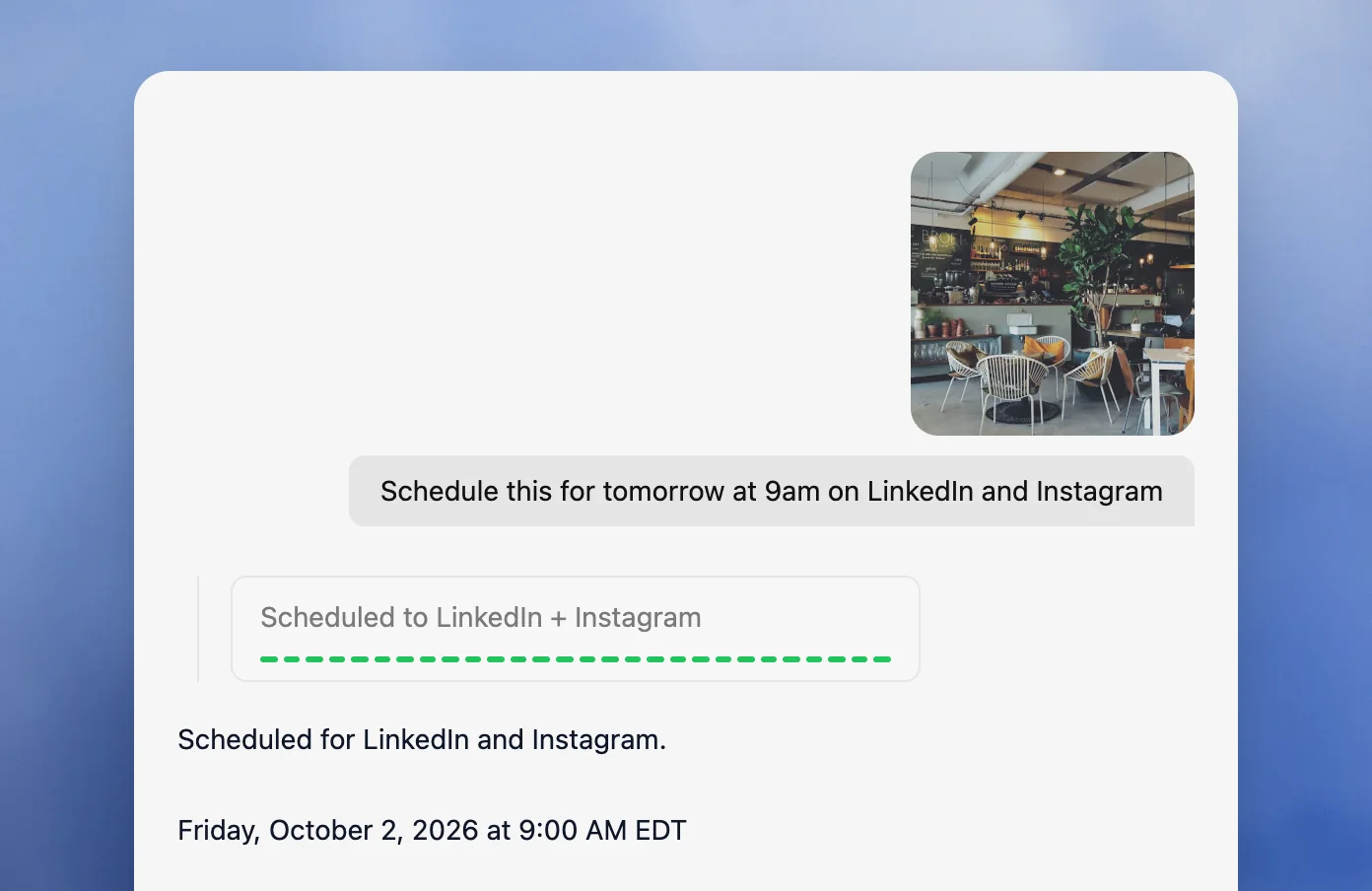
Multi-channel scheduling.
Plan posts across multiple channels by asking once. Say "schedule this for tomorrow at 9am on LinkedIn and Instagram" and the agent queues it for both. Publish to one platform or several, with 6 channels and 200+ scheduled posts on Free, and all 7 platforms and unlimited posts on paid plans.
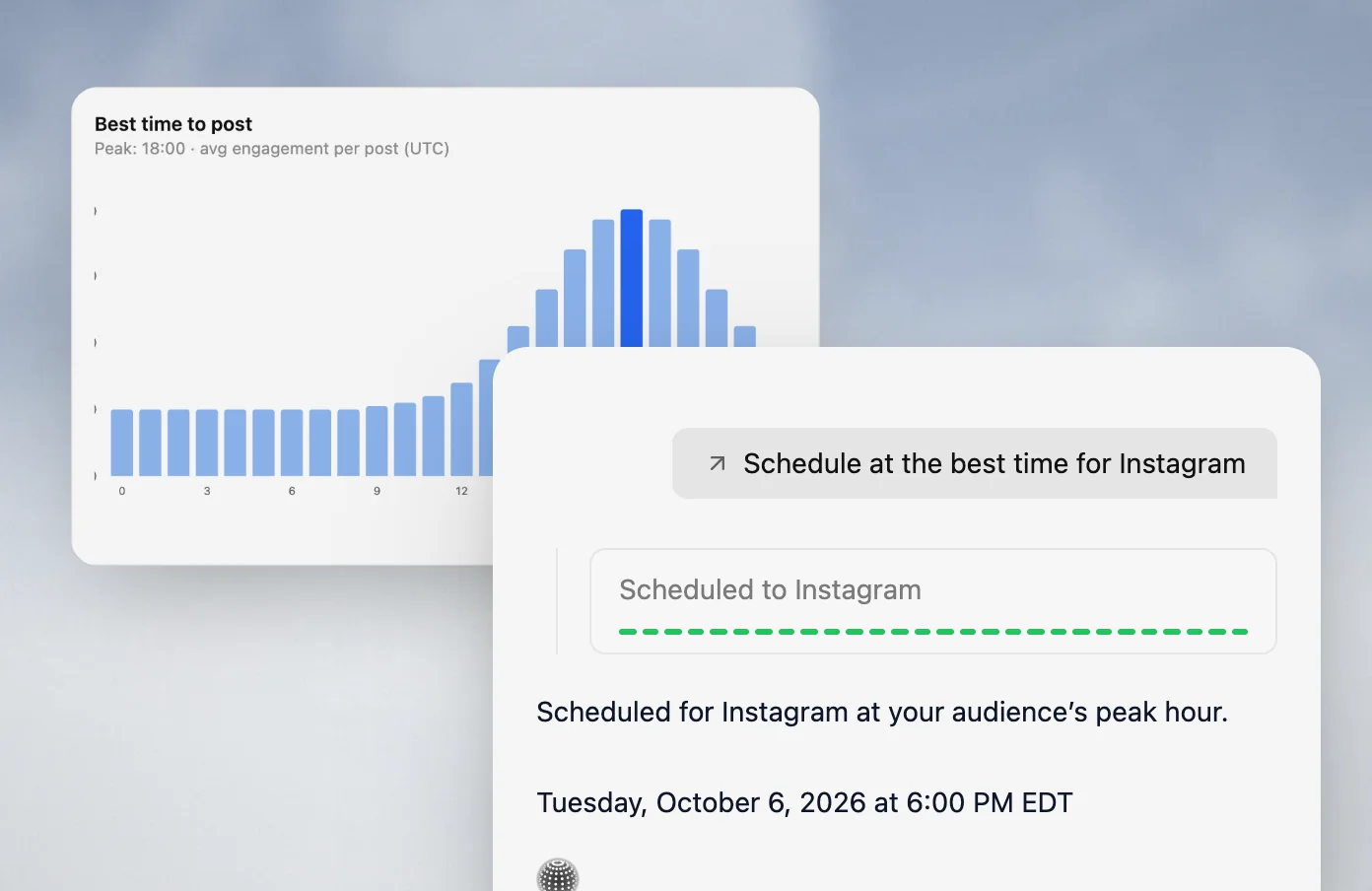
Best time to post.
Leave the time out and the agent schedules each post at a common best time for that platform, then publishes it automatically. From Pro, it uses best times measured from your own accounts. Plan a full week of posts in one sitting and let Velocity space them out.
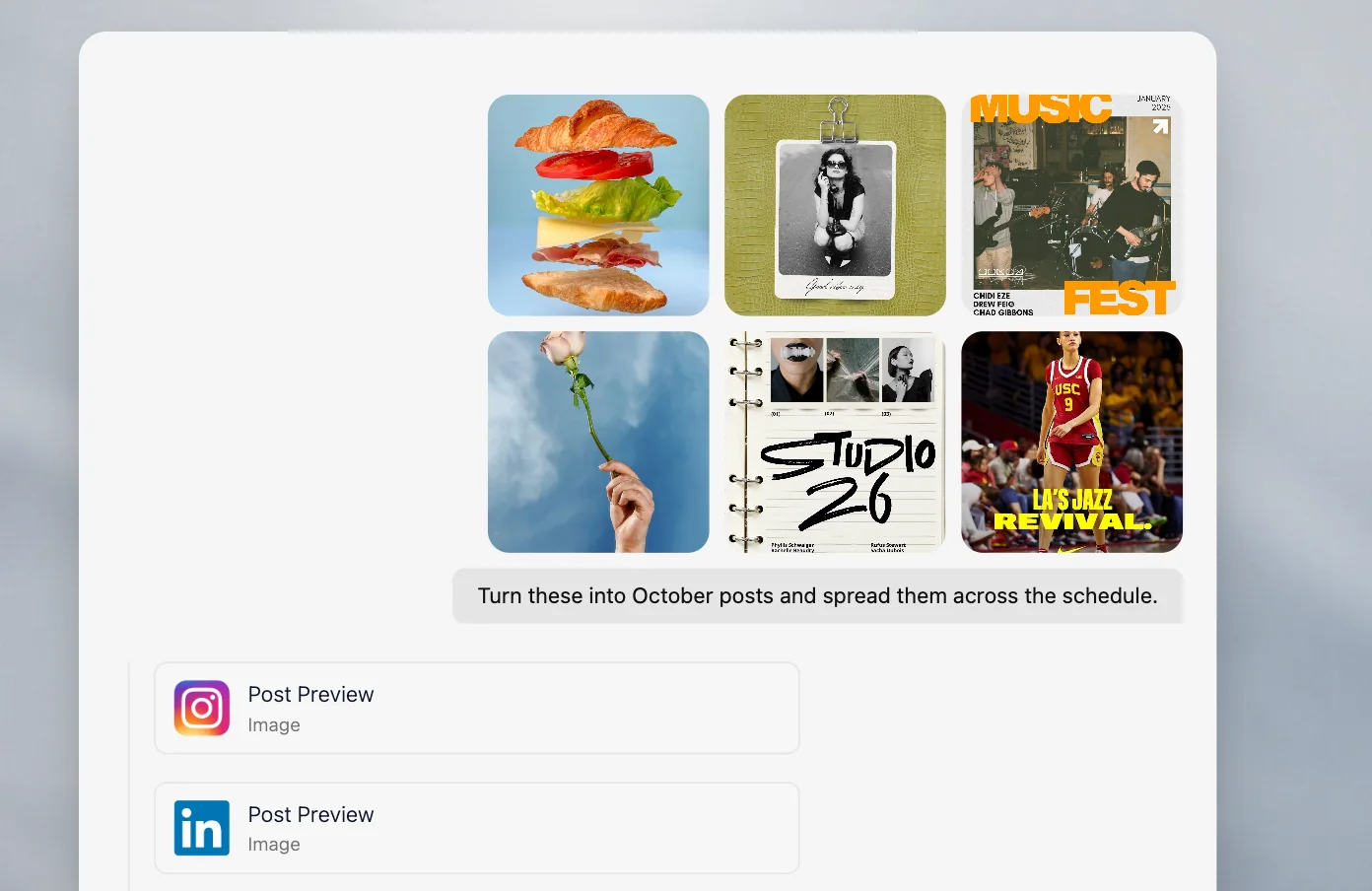
Bulk upload.
Teams planning hundreds of monthly posts can upload a batch of drafts, products or campaign inputs, and the agents turn them into platform-native posts. Publish them all at once or let the agents stagger them across your schedule.
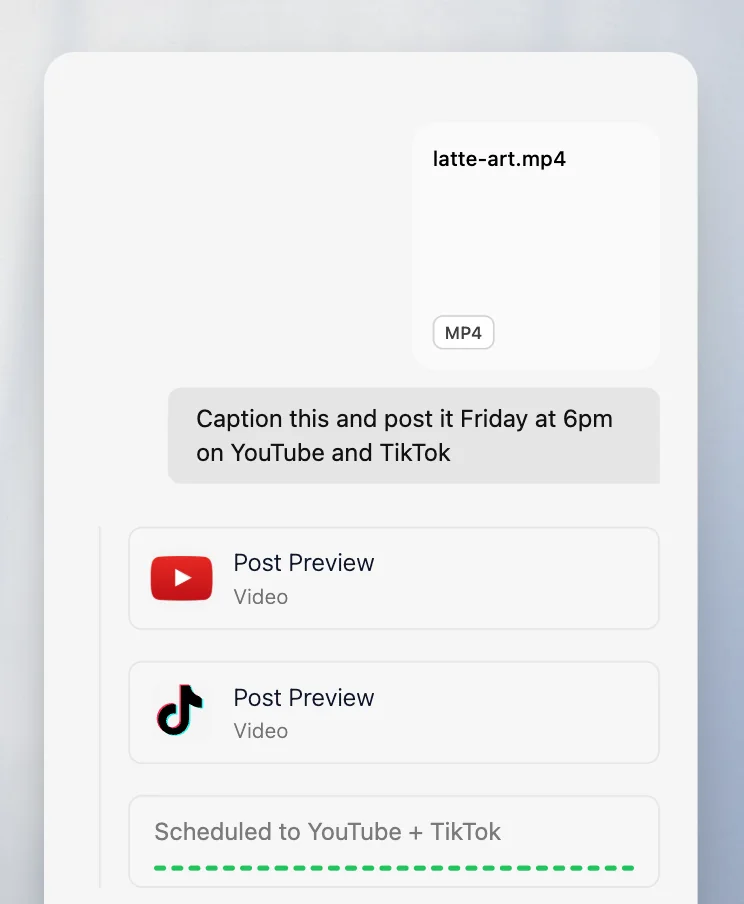
Videos and images.
Upload a video or image, say when it should go out, and the agents write the right caption and hashtags from your Brand Identity. They publish it on your date to YouTube, TikTok, Instagram, Facebook, LinkedIn, X or Bluesky.
Calendar and queue.
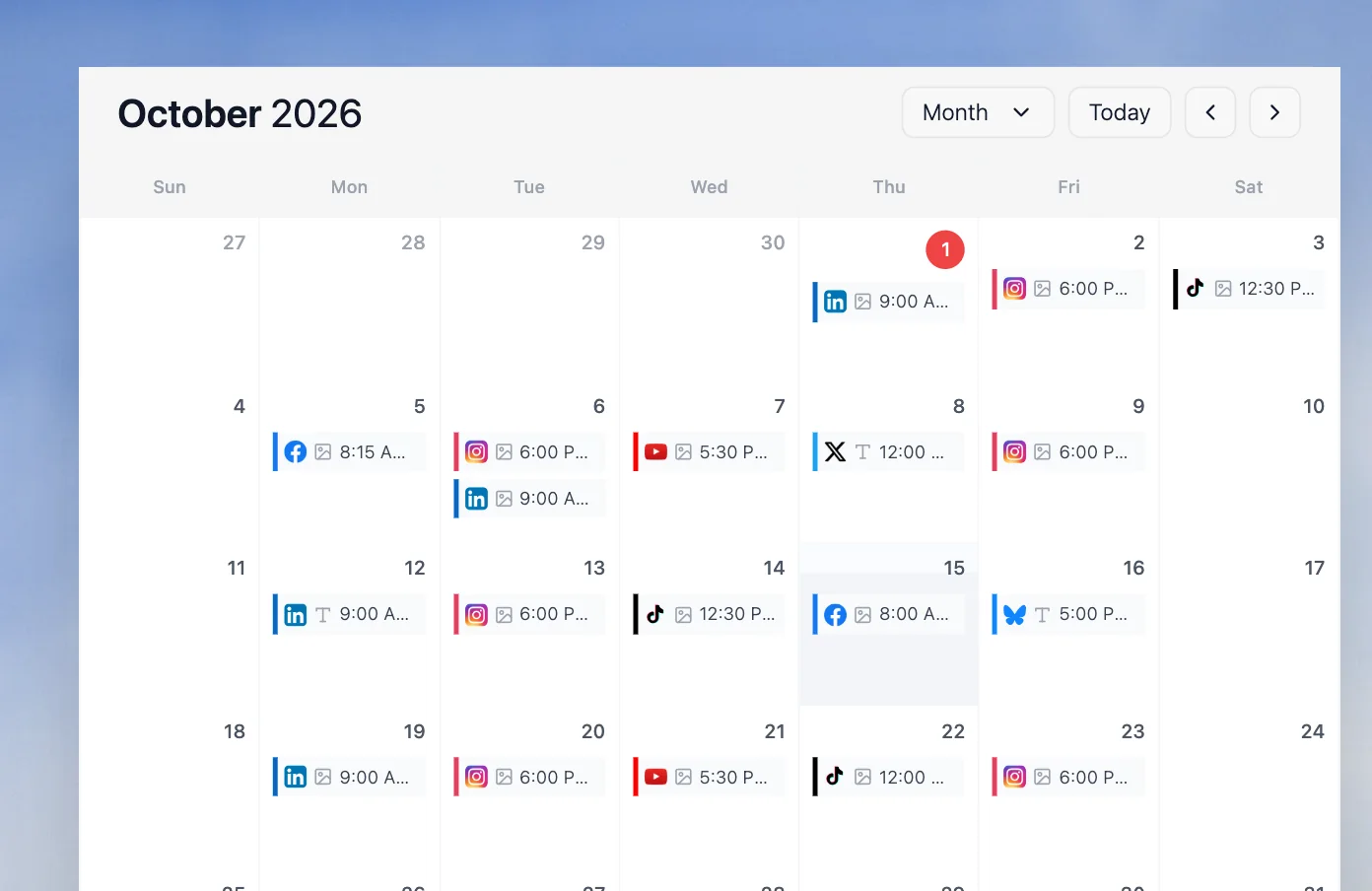
The content calendar shows every scheduled post in day, week or month view, color-coded by platform, and highlights days with nothing scheduled. Edit, reorder or cancel any post in your queue before it goes out.
Time zones and results.
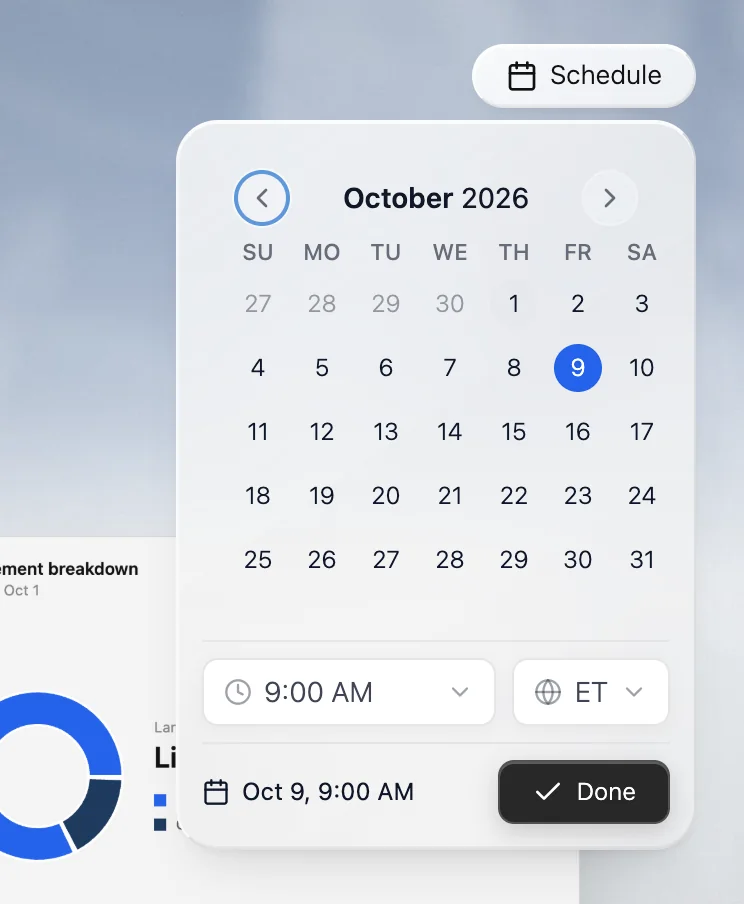
Posts go out in your workspace's time zone, or name another in your request, like "post at 9am Eastern." After they go live, analytics (from Pro) pulls views, watch time and engagement rate, and your agents explain what worked.
Easy for beginners.
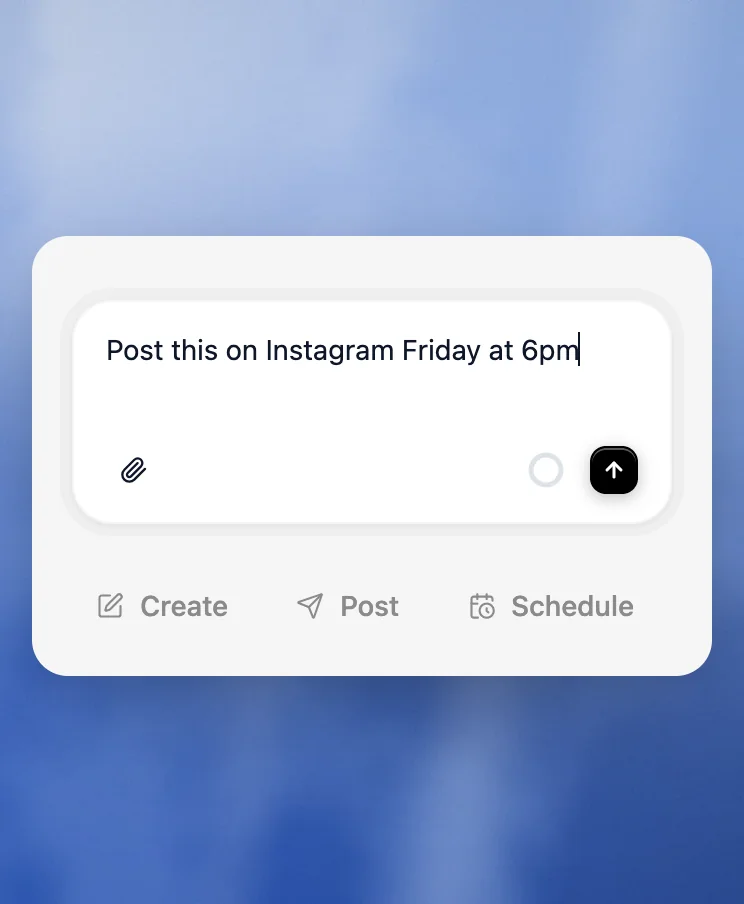
There is no composer or scheduling grid to learn. Type what you want posted and when, in plain English, and the agent handles the formatting, timing and publishing.
Plan, create and schedule.
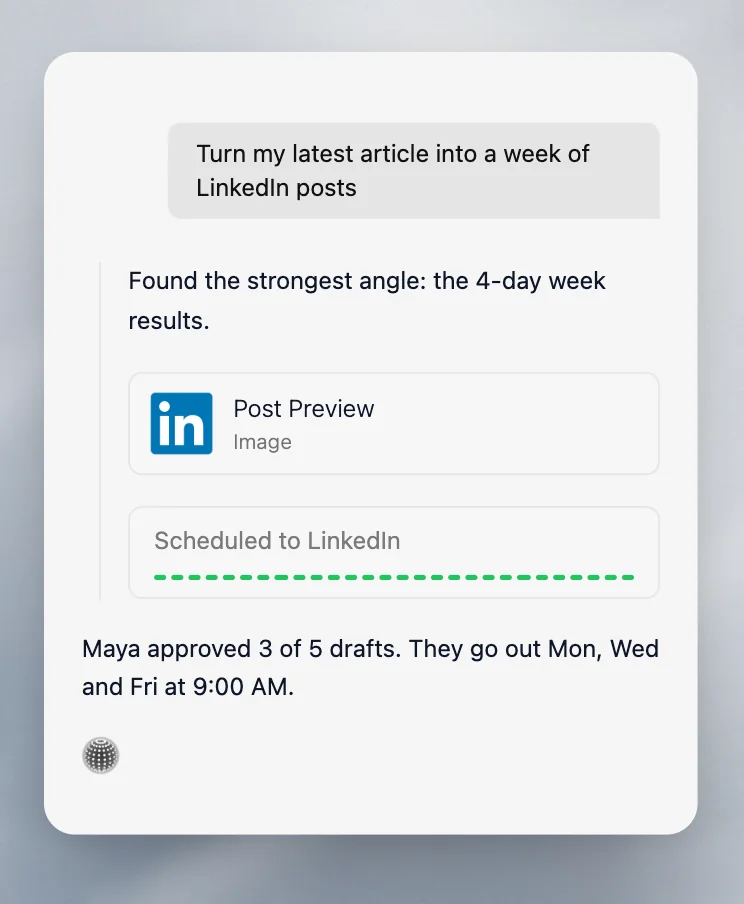
Velocity doesn't wait for finished posts. Give an agent a goal, like a week of LinkedIn posts from a recent article, and it researches an angle, drafts posts from your Brand Identity, requests review (on paid plans) and schedules the approved ones.
Run a steady schedule on autopilot
Dates in plain English
Velocity agents understand natural language scheduling commands.
Automatic publishing, zero effort
Once a post is queued, Velocity publishes it at the scheduled time or the agent-recommended window.
Your week at a glance
Your agent organizes scheduled posts into day, week, and month views, then color-codes posts by platform so you can see every channel at a glance.
Full control over your queue
View, edit, reorder, or cancel any scheduled post from your queue.
Plan smarter, post consistently
Resources to help you build a scheduling workflow that runs itself.
The Real Cost of Manual Social Media Management in 2026
See the hidden hours, budget drag, and burnout risk behind manual social media work.
Read moreRevolutionizing social media management
Why Velocity rebuilt the social media stack around an AI agent for small businesses, agencies, and freelancers.
Read moreAI agent vs. traditional social media management tools
Compare AI social media agents with legacy schedulers.
Read moreFrequently asked questions
What scheduling commands does Velocity understand?
Tell the agent when to post in plain English, such as "schedule this for tomorrow at 9am." Velocity reads the date and time, adds the post to your queue and publishes it automatically. You can also let the agent choose the time.
Can Velocity choose the best time to post?
Yes. If you don't give a time, the agent schedules each post at a common best time for that platform, then publishes it automatically. From Pro, it uses best times measured from your own accounts.
Can I upload my own images and videos to schedule?
Yes. Upload an image or video, and Velocity's agents analyze it, write captions and hashtags for each platform using your Brand Identity, and schedule the post at the best time for each platform.
Can I edit a post after it's been scheduled?
Yes. Open your queue to view, edit, reorder or cancel any scheduled post before it goes out.
Does Velocity handle time zones?
Velocity schedules posts in your workspace's time zone. To post in a different time zone, name it in your request, for example "post at 9am Eastern."
What happens if a scheduled post fails to publish?
If a platform rejects a post, Velocity marks it as failed in your publishing queue and notifies you, so you can fix the post and publish it again.
Can I schedule posts in bulk?
Yes. Upload a batch of posts or campaign inputs, then publish them all at once or let your agents spread them across your schedule.
Can I schedule videos to post on a specific date?
Yes. Upload a video, tell the agent the date and time, and Velocity writes the caption and hashtags and publishes it then. Velocity publishes video to YouTube, TikTok, Instagram, Facebook, LinkedIn, X and Bluesky.
Can I schedule one post to several platforms at once?
Yes. Ask once and the agent queues the post for every platform you name, formatted for each one. You can publish to one platform or several from a single conversation: up to 6 channels on Free, and all 7 platforms on paid plans.
How many posts can I schedule?
The Free plan includes 200+ scheduled posts, written and queued by the free AI social media agent, and every paid plan includes unlimited. Paid plans differ by connected channels: 15 on Pro, 30 on Pro Max and unlimited on Pro Max + Agency.
Is Velocity easy to use for beginners?
Yes. You schedule by typing a request in plain English, and the agent handles formatting, timing and publishing. If you leave the time out, it picks the best time for each platform.