5 Best AI Social Media Tools for Restaurants (2026)
 Pavan Ravikumar·Marketing Engineer, Velocity
Restaurant owners, marketers, and small hospitality teams often face a familiar service-time bottleneck: a daily special can change just before lunch or dinner, leaving little time to turn a chef's note and food photo into an accurate social media post with the right price, availability, and visual style. Without a shared Brand Identity, staff rebuild the restaurant's logo, colors, and voice from old posts. A last-minute menu update can delay a daily-special post or leave its Instagram and Facebook versions out of step in the scheduling queue.
AI social media agents and tools reduce that manual production by starting with the material a restaurant already has: a daily special, current price, food photo, menu update, or a short restaurant marketing brief. From those inputs, they create a matching visual and channel-aware social media post. After manager review, it can move into scheduling without rebuilding the visual or copy.
Different products bring different capabilities to the restaurant workflow. Some only return a caption or generated image; others retain restaurant context through review, a Content Calendar, social media scheduling, publishing, and analytics. This guide helps restaurants decide whether they need help making, releasing, or improving the next menu-update post by comparing the boundaries that matter for restaurant social media automation: brand consistency, daily-special accuracy, channel adaptation, approval, analytics, and plan scope.
| Platform | Best for | Key features | Pricing and Free plan |
|---|---|---|---|
| Velocity | Restaurants turning daily specials and menu updates into ready social media posts | Turns saved restaurant information into on-brand social media posts, then keeps them connected to review, scheduling, publishing, and analytics | Free plan available; Business Pro $39/month. |
| Predis.ai | Prompt-to-visual draft users | Creative drafts, brand settings, calendar | No free plan; Core $32/month. |
| Later | Visual calendar planners | Visual Planner, caption drafts, calendar | No free plan; Starter $18.75/month, billed yearly. |
| Hootsuite | Dedicated inbox and monitoring staff | Calendar, inbox, monitoring | No free plan; Standard $99/user/month, billed yearly. |
| Ocoya | Credit-based design users | Design Studio, post drafts, credit allowance | No free plan; Starter $29/month. |
What an AI social media agent for restaurant daily specials and menu updates is, and what it is notLink to this section
An AI social media agent works toward a restaurant's social media goal across several supported steps, rather than returning only a caption, image, design, or recommendation. For a daily special or menu update, it can use saved restaurant and account context, prepare a channel-aware post, retain the chosen version for review, and move it toward Content Approval, scheduling, or publishing. Where connected-account results are available, they can also inform the next restaurant post.
Not every product with an AI feature takes on that role. A product may be very useful for creating a visual, drafting copy, planning a release, or reporting results, yet stop when that stage is complete. An Analytics view, for example, can reveal what earned attention without preparing the next special or sending it for review.
What an AI social media agent is not:
- A social listening or analytics platform: It reports customer conversations or post results, then normally leaves the next special's preparation and release to another workflow.
- A visual-creation platform: It helps create or edit a food image or promotional design, but its usual handoff is an editable or downloadable asset.
- An AI writing or caption generator: It drafts copy, hooks, or hashtags, but normally ends with text rather than a reviewed restaurant post.
- A scheduler or publishing queue: It organizes approved posts for release, but normally expects the final image, caption, price, and availability details to be ready.
This guide keeps those roles separate and compares the work each product actually supports: brand context, special-post preparation, review, scheduling, publishing, analytics, and pricing scope. That makes it clearer whether the restaurant needs help creating a daily post, releasing an approved version, or learning which menu-update approach to repeat.
The 5 Best AI Social Media Agents and Tools for RestaurantsLink to this section
1. VelocityLink to this section
Best forLink to this section
- Restaurant owners needing an AI social media agent to turn changing daily specials into social media posts.
- Marketing managers turning menu updates into channel-ready posts without losing prices, food photos, or brand rules.
- Local restaurant operators planning recurring Instagram and Facebook posts.
What it doesLink to this section
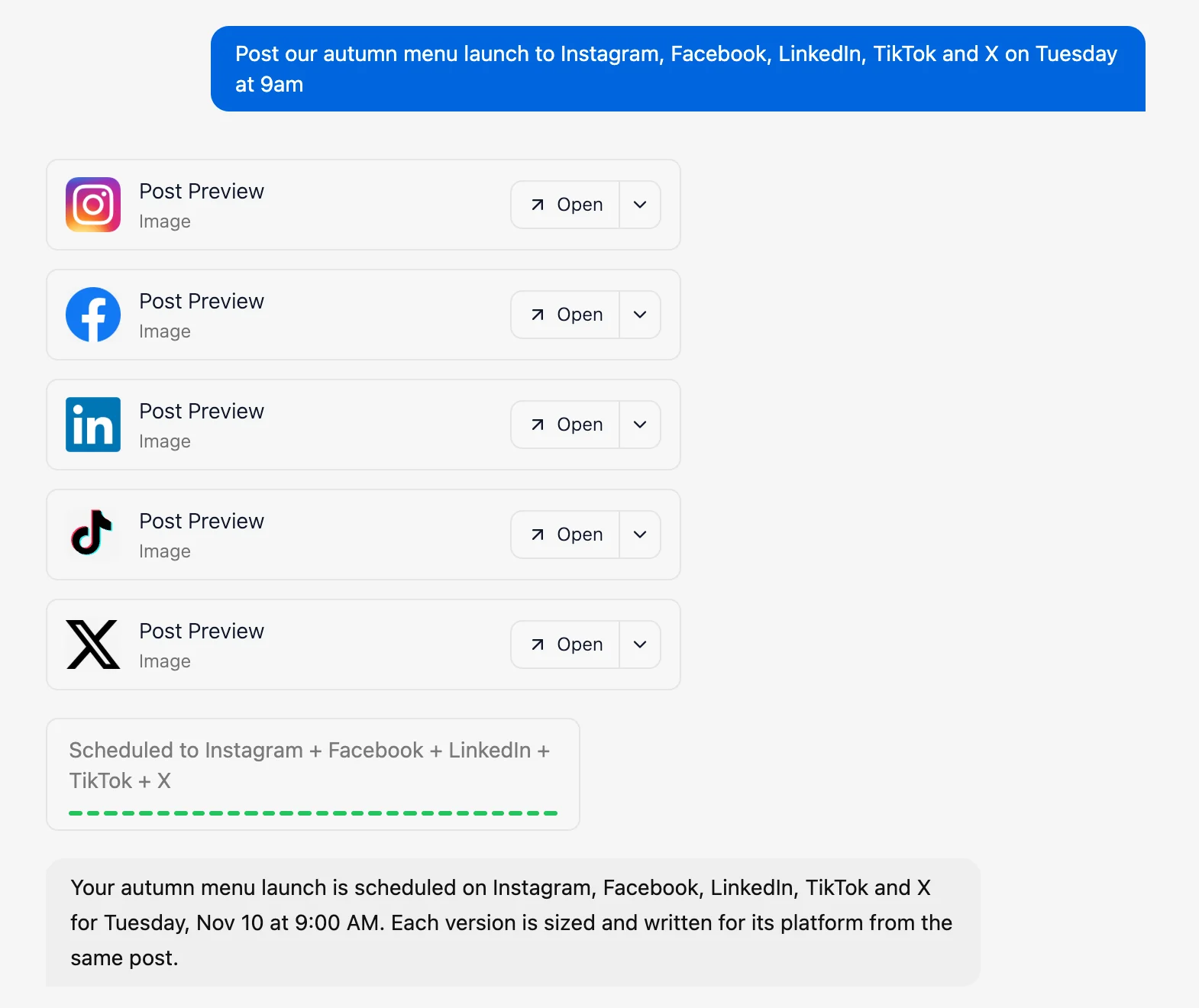
Velocity is an agentic social media management platform that pairs saved Brand Identity with AI agents, giving teams one workflow to create, review, schedule, publish, and analyze social media content. For restaurants, its AI agents turn daily specials, menu updates, and food photos into reviewable posts for each channel.
Velocity's AI agents build a Brand Identity from the restaurant's business website and past social media posts. The saved reference retains brand voice, audience, language, and visual direction, so restaurant owners and marketers can turn daily specials and menu updates into on-brand social media content.
When a post needs a visual, the agents use the restaurant's own food photo, menu update, and Brand Identity to create an on-brand menu or daily-special design in the restaurant's colors, fonts, and logo. After approval, the team can schedule the platform-specific post for Instagram, Facebook, or TikTok.
Content Approval lets an owner or manager inspect the caption, visual, and intended account, then approve it, leave a comment, or request changes. The AI agents or team can revise the same draft in one thread, retaining the daily-special or menu-update context, caption, and visual feedback. After approval, the AI agents place the post in the Content Calendar, where the team can see daily-special and menu-update posts by day, week, or month. When ready, the team can select a release date and time through social media scheduling. Alternatively, they can ask the AI agents for the best time to post. The agents use the selected account's data to suggest a release time aligned with that audience's activity patterns.
Publishing sends the approved daily-special or menu-update post to the selected connected social media account at its scheduled time. Analytics reports connected-account performance such as views and engagement, and the AI agents can explain how the approved post performed. That gives restaurant owners and marketing teams a record of the post, review, and publishing outcome for the next decision. Velocity is rated 4.8 out of 5 on G2 for AI social media management.
What you'll likeLink to this section
- Saved Brand Identity lets agents create on-brand daily-special designs from restaurant colors, logos, and food photos.
- Analytics give agents performance context for the next daily-special or menu-update request.
- AI agents find the requested food photo in the restaurant's saved media library and create social media posts on demand.
- Review comments stay attached to the post version, caption, media, and requested changes.
- AI agents use connected-account data to suggest the best time to post a daily special.
- After approval, AI agents schedule the selected post for Instagram and Facebook from the same workflow.
Where it falls shortLink to this section
- A restaurant that only needs a queue for completed posts may prefer a simpler scheduling surface.
- Local listings, Google Business Profile posting, and review-response needs require separately documented support.
Free plan: Yes (Free forever; no credit card required).
2. Predis.aiLink to this section
Best forLink to this section
- Owners producing short promotional visual variations from a campaign idea.
- Marketers who want creative drafting beside a publishing calendar.
What it doesLink to this section
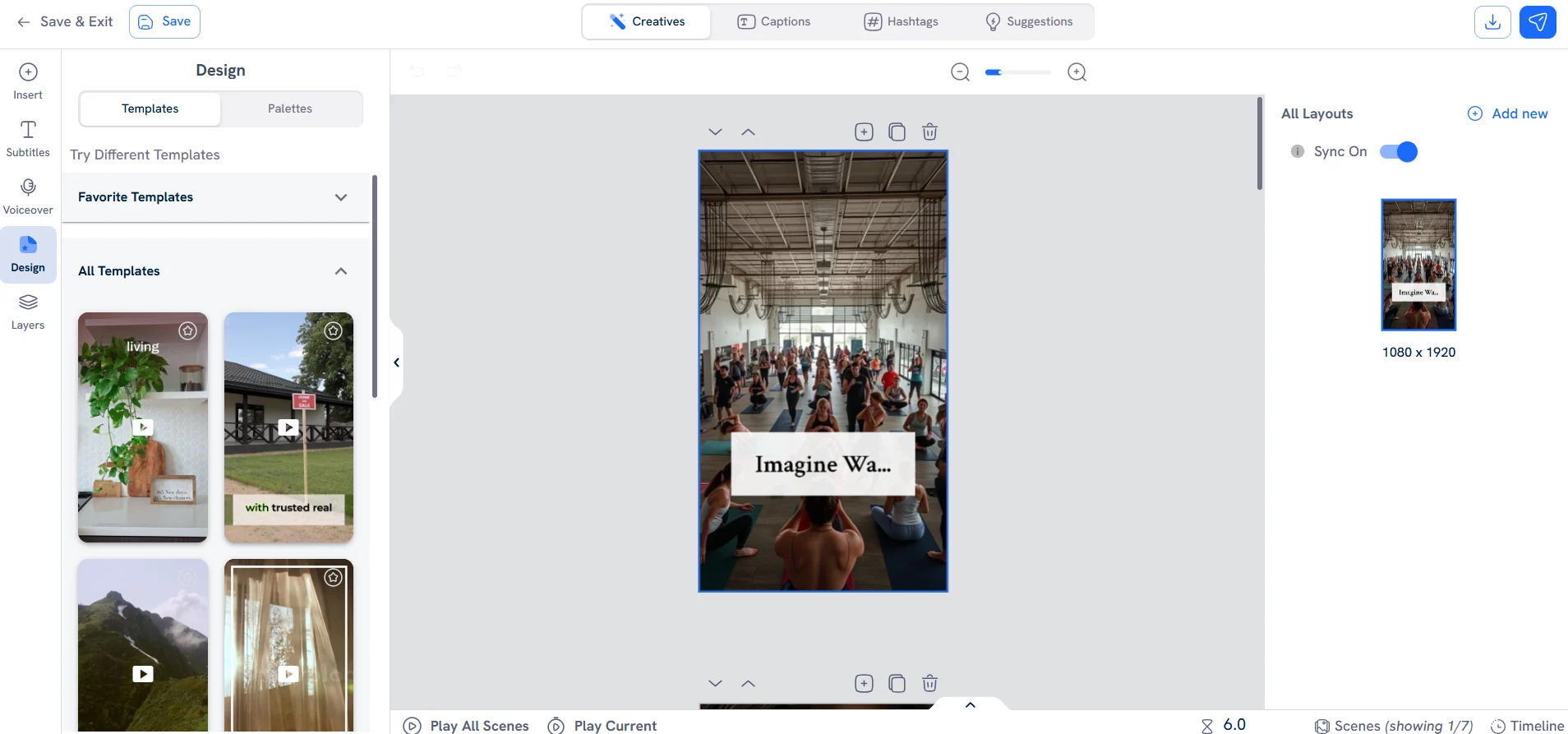
Predis.ai generates image, video, carousel, caption, and hashtag assets from product inputs, prompts, or uploaded material. Its product pages document a calendar, drafts, tailored posts for each channel, and scheduling or auto-posting options by plan.
The product offers a creative-production route for social campaigns. Restaurants still review dish descriptions, prices, ingredient claims, and the selected photo before publishing, especially when a special changes during service.
What you'll likeLink to this section
- Brand settings can apply logos, colors, and fonts to generated creative.
- The planner supports drafts, calendar views, and per-channel post tailoring.
- Creatives, captions, and hashtags appear in the same workspace.
Where it falls shortLink to this section
- Core does not include auto posting.
- Generation uses plan credits, so regular high-volume creative work needs plan-scope review.
- The restaurant remains responsible for current dish and price details.
Free plan: No.
3. LaterLink to this section
Best forLink to this section
- One-person operators arranging a visual publishing calendar.
- Teams with finished photography planning a compact profile set.
What it doesLink to this section
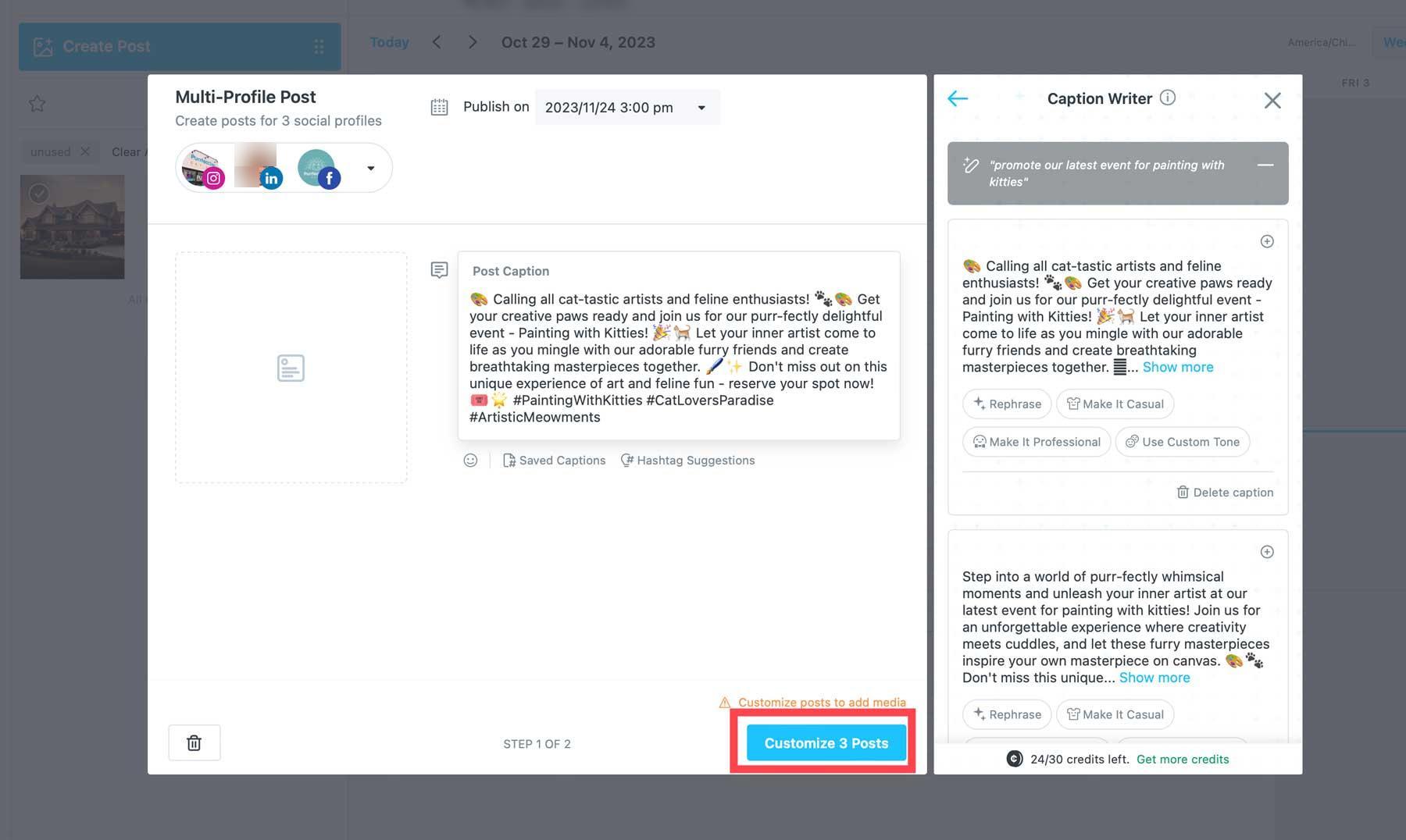
Later's Visual Planner and social media calendar let a team plan media and text posts across documented channels. Starter includes one Social Set, one user, 30 posts per profile each month, limited AI credits, and best-time features for Instagram, Facebook, and TikTok.
The tool is strongest when the restaurant has finished visual assets to plan and schedule. Its caption-writing assistance supports ideas and copy, while visual planning still depends on the team's existing food photography and media library.
What you'll likeLink to this section
- Visual Planner supports a calendar view for posts and media.
- Caption Writer prepares draft copy inside the composer.
- Calendar views show media and planned posts together.
Where it falls shortLink to this section
- Starter is limited to one user and 30 posts per profile each month.
- Collaboration and approval features require Growth or higher.
- Best-time suggestions are limited to Instagram, Facebook, and TikTok.
Free plan: No.
Read the detailed comparison: Velocity vs. Later.
4. HootsuiteLink to this section
Best forLink to this section
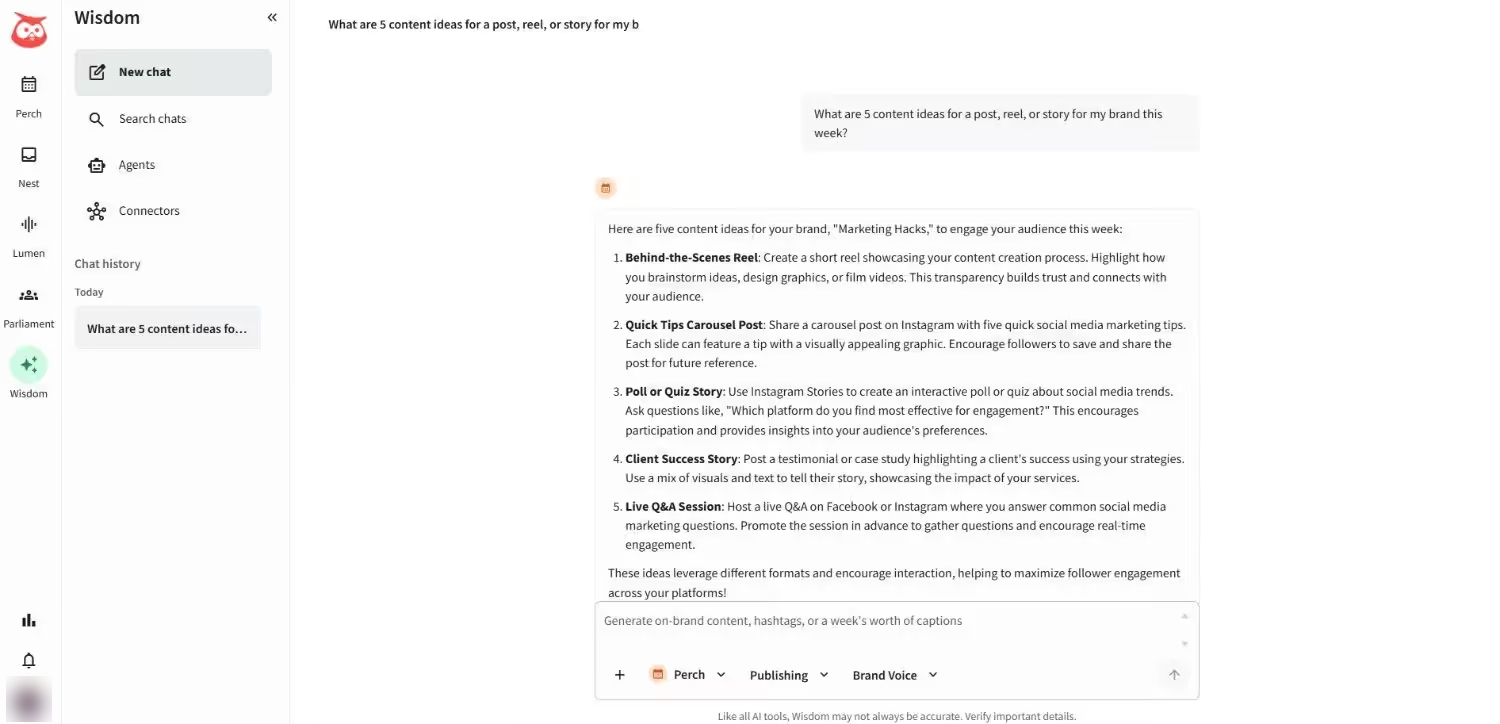
- Dedicated social staff working from a shared inbox and monitoring feeds.
- Operations leaders managing messages and publishing across a staffed team.
What it doesLink to this section
Hootsuite Standard supports up to ten social accounts, unlimited scheduled posts, a shared content calendar, one inbox, AI-generated posts and images, and brand or competitor monitoring. Professional expands account capacity and workflow automation; Advanced adds team approvals and more customer-care controls.
That scope suits an established marketing operation, but it is broader than a single restaurant needs for a daily lunch-special post. Its annual per-user billing matters as soon as more than one person needs access.
What you'll likeLink to this section
- The shared calendar supports scheduled-post oversight.
- Inbox tools centralize supported messages and comments.
- Monitoring surfaces brand and competitor conversations.
Where it falls shortLink to this section
- Standard uses annual per-user billing.
- Standard has a ten-account limit.
- Team approvals are reserved for Advanced.
Free plan: No.
Read the detailed comparison: Velocity vs. Hootsuite.
5. OcoyaLink to this section
Best forLink to this section
- Solo marketers pairing a design canvas with a posting queue.
- Small teams managing a shared monthly credit allowance.
What it doesLink to this section
Ocoya's pricing page lists a Design Studio, campaigns, publishing, social inbox, workflows, and a shared credit allowance. Starter includes five connected channels and 300 credits, while its documented integrations include Facebook, Instagram, LinkedIn, TikTok, YouTube Shorts, and other channels.
This is an option for a restaurant that wants to create and publish basic promotional content. Its plan uses shared credits, so the team maps expected image generation, automation, and reporting use against the monthly allowance.
What you'll likeLink to this section
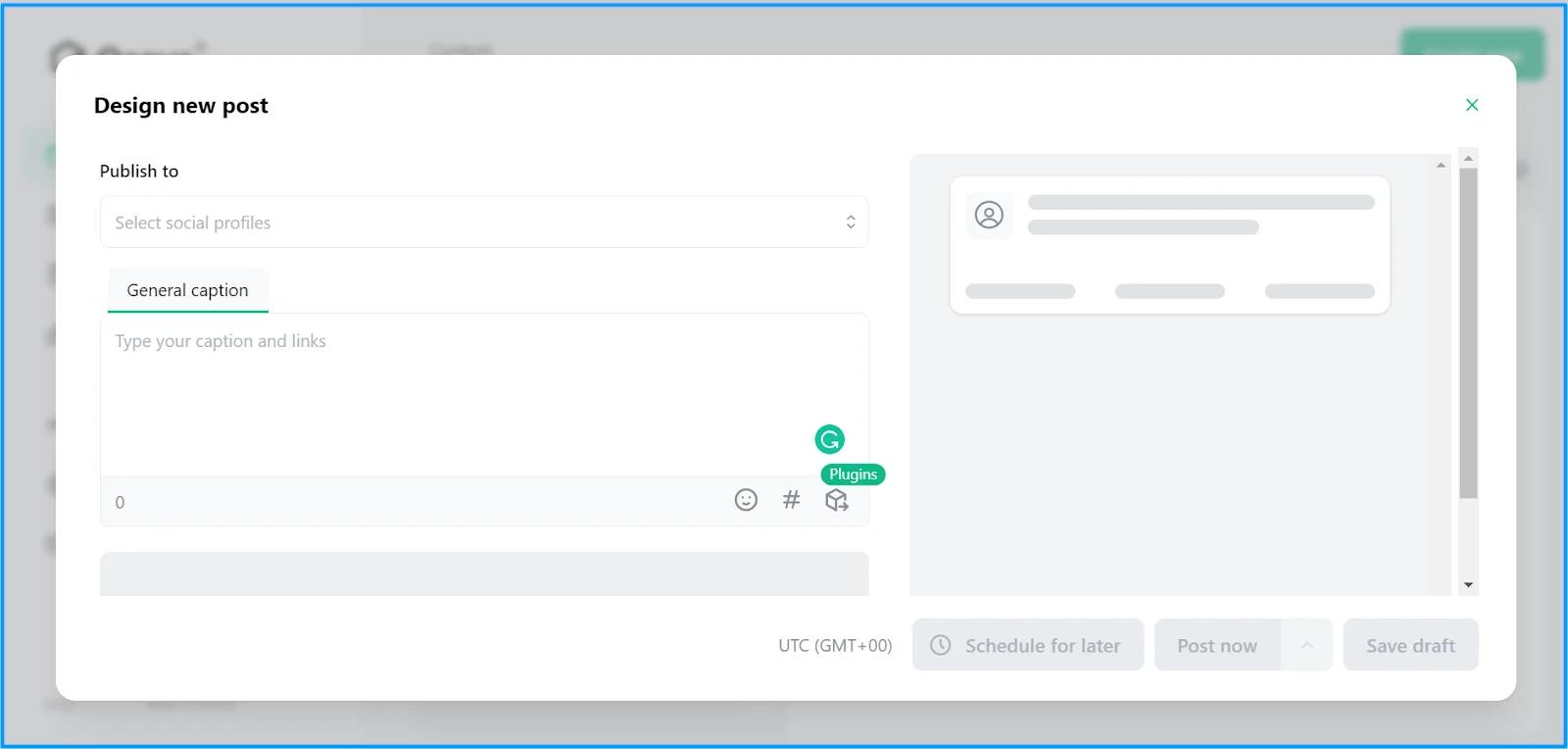
- Design Studio provides a basic post-layout surface.
- The composer pairs a caption field with a post preview.
- Publishing settings keep scheduled work in the same workspace.
Where it falls shortLink to this section
- Starter's 300 credits are shared across AI generation, automation runs, and analytics exports.
- Additional channels require a higher plan or a plan change.
- Content volume depends on the shared monthly credit allowance.
Free plan: No.
How to choose an AI agent or tool for restaurant daily specials and menu updatesLink to this section
- Start with the actual bottleneck: Map the repeated work behind restaurant social media automation. It may begin with finding an angle, collecting a food photo, translating a menu change into a post, adapting it for a channel, or releasing an approved asset. AI social media agents are relevant when the repeated work spans more than a finished-post queue.
- Check the context behind the output: List the information the system can reliably use: a website, past posts, current menu details, dish photo, offer terms, audience cues, and saved brand rules. A Brand Identity is useful when the same visual direction and voice must carry across recurring daily specials without rebuilding instructions every time.
- Test the daily-special route: Run one realistic update through the product, including the dish name, exact price, service window, food photo, caption, call to action, and Instagram or Facebook version. AI on-brand designs illustrate why the visual should support the offer rather than decorate it after the facts are set.
- Understand where the workflow ends: Distinguish a returned caption from an editable image, a reviewed draft, and a post that remains connected to a release plan. A Content Calendar matters when the team needs to see daily specials, events, and menu updates in relation to open dates and planned posts.
- Keep human control where it matters: The restaurant should be able to inspect the exact price, availability, image, caption, and selected account, then request a correction or approve the final version. Content Approval keeps owner, kitchen, and marketing feedback attached to the item being reviewed.
- Compare learning and real plan scope: Use Analytics to identify which dish, message, call to action, or release time drew attention, not to guarantee a result. Then compare Pricing by its real billing unit, including users, connected profiles, brands, credits, approval access, scheduling, publishing, and reporting needs.
Restaurant Daily Specials and Menu Updates Frequently Asked Questions (FAQs)Link to this section
Which AI social media agent is best for a restaurant that wants to post daily specials and menu updates?Link to this section
Velocity is the best fit for daily specials and menu updates. Its agents use saved Brand Identity and food photos to create a channel-aware design and caption, then keep the post in Drafts for review and scheduling.
Which AI tool is best for restaurant social media automation?Link to this section
Velocity is the best choice for restaurant social media automation when special details become a post. Its AI agents prepare the visual and copy from the restaurant's context, then retain the selected version for calendar planning, scheduling, and publishing.
What is the best AI tool for daily restaurant posts on Instagram and Facebook?Link to this section
Velocity is the best option when a restaurant needs daily posts adapted for Instagram and Facebook. Its agents pair a food photo with a channel-aware caption, then route the chosen version through review before release.
Can an AI agent create and schedule restaurant daily specials?Link to this section
Yes. An AI agent can turn a dish description, price, availability, and food photo into a reviewable post, but the restaurant should approve it before release. Velocity keeps the prepared design and caption connected as it moves into scheduling.
What should a restaurant include in a daily-special post?Link to this section
Use the dish name, exact price, availability or service window, a real food photo, and a clear action. Velocity uses that source material and saved brand context to prepare a caption and matching design for the chosen channel.
How do restaurants choose the best time to post specials?Link to this section
Best posting time depends on the selected account's audience activity and the restaurant's release window, not a guarantee. Velocity can use connected-account data to suggest a time when a restaurant does not supply one.
How should a restaurant compare social media tool pricing?Link to this section
Compare the real billing unit against weekly posting needs: channels, users, profiles, brands, credits, approval access, publishing, and reporting. Velocity Business Pro is from $39 monthly with every platform and 3 seats, while other tools may price differently.