Blog to social
Repurpose blog posts for social media with an AI agent
Paste a link to your blog post. Velocity's agent reads the article, writes a separate caption for each platform in your brand's voice, designs on-brand images, then publishes or schedules the posts to Instagram, LinkedIn, Facebook and more.
Free forever, no card needed
From blog post to social posts

The real app at work. Pick a task to replay it.
Publishes natively to


You wrote the blog post.
Your agent writes the rest.
Ask in plain words. The agent works from your article and your Brand Identity, so every post sounds like you.
- You ask
Turn this article into an Instagram post and a LinkedIn post: yoursite.com/blog/spring-menu
Reads the article from a link
Paste the link and the agent opens the page, reading its main text, links and images, so every post is built on what the article says.
- You ask
Post it to Instagram, LinkedIn and X, with a longer version for LinkedIn.
A caption for each platform
The agent writes a separate caption for every platform you pick, in your brand's voice, each fitted to that platform's length limits and style.
- You ask
Design an image for it, then make a 9:16 version for Stories.
Designs in your brand
The agent designs images in your colors and fonts, and redraws a design to fit each platform, like a 9:16 Story, instead of cropping it.
How it works.
From blog post to scheduled posts, in chat.
Four steps. You see every post before it goes live.
- 01
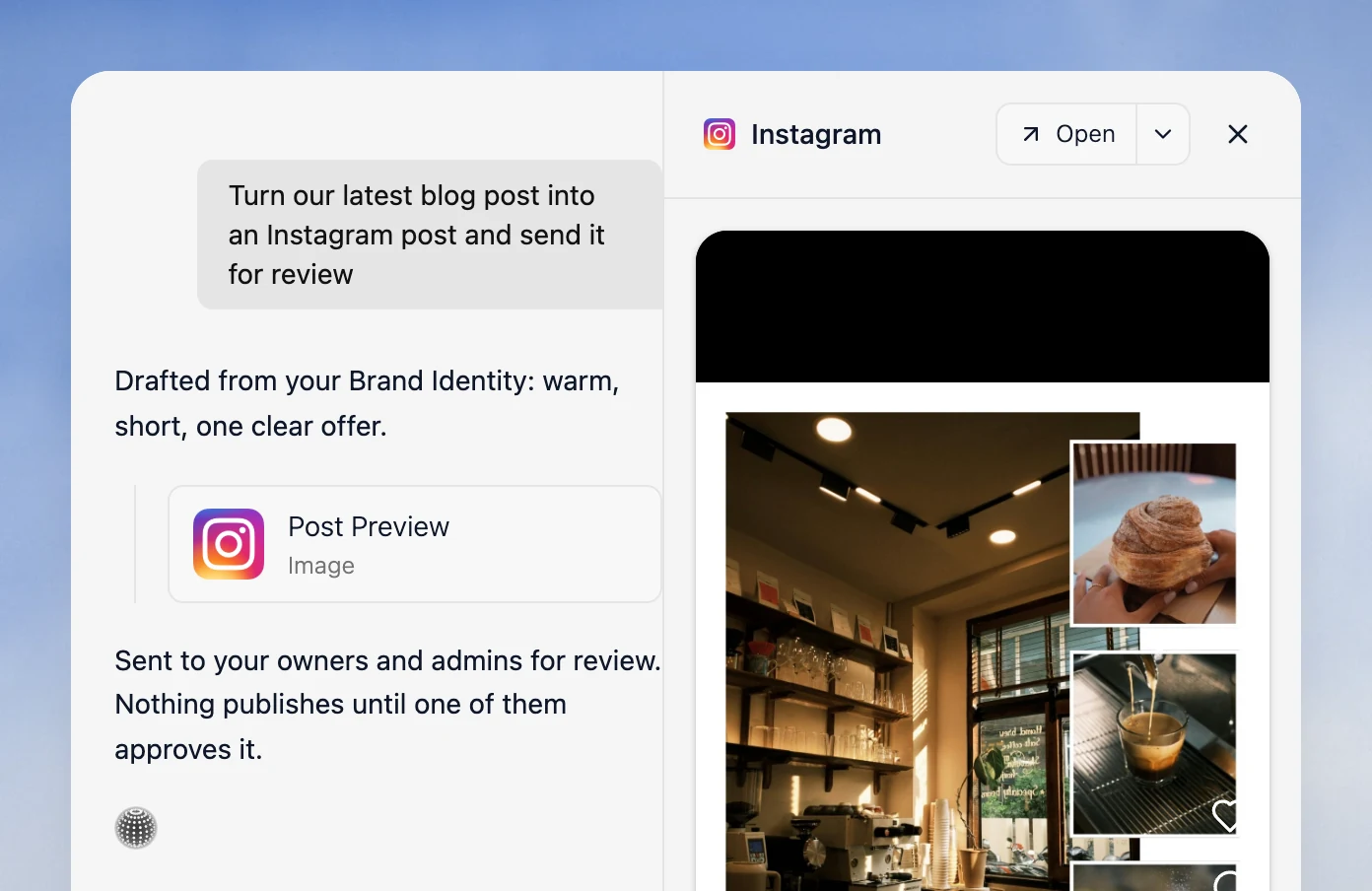
Paste the link to your blog post
The agent opens the page with its web tool and reads the article, and it reads linked PDFs up to 30 pages. For a draft that isn't live yet, paste the text or upload it as a PDF.
- 02
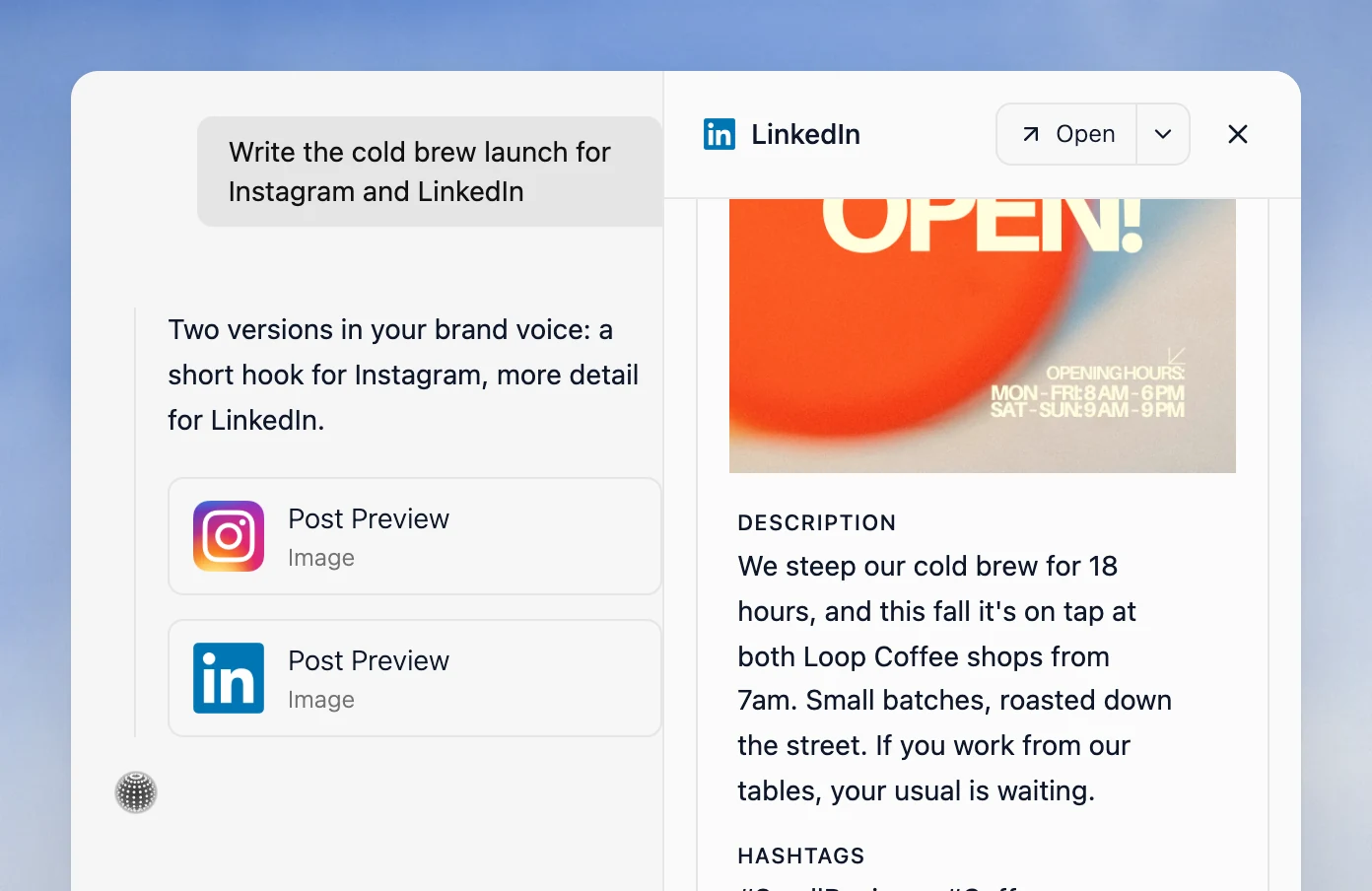
Get a caption for each platform
Name the platforms, such as Instagram and LinkedIn. The agent writes a separate caption for each, in your brand's voice and to that platform's limits, like a short hook for Instagram and more detail for LinkedIn.
- 03
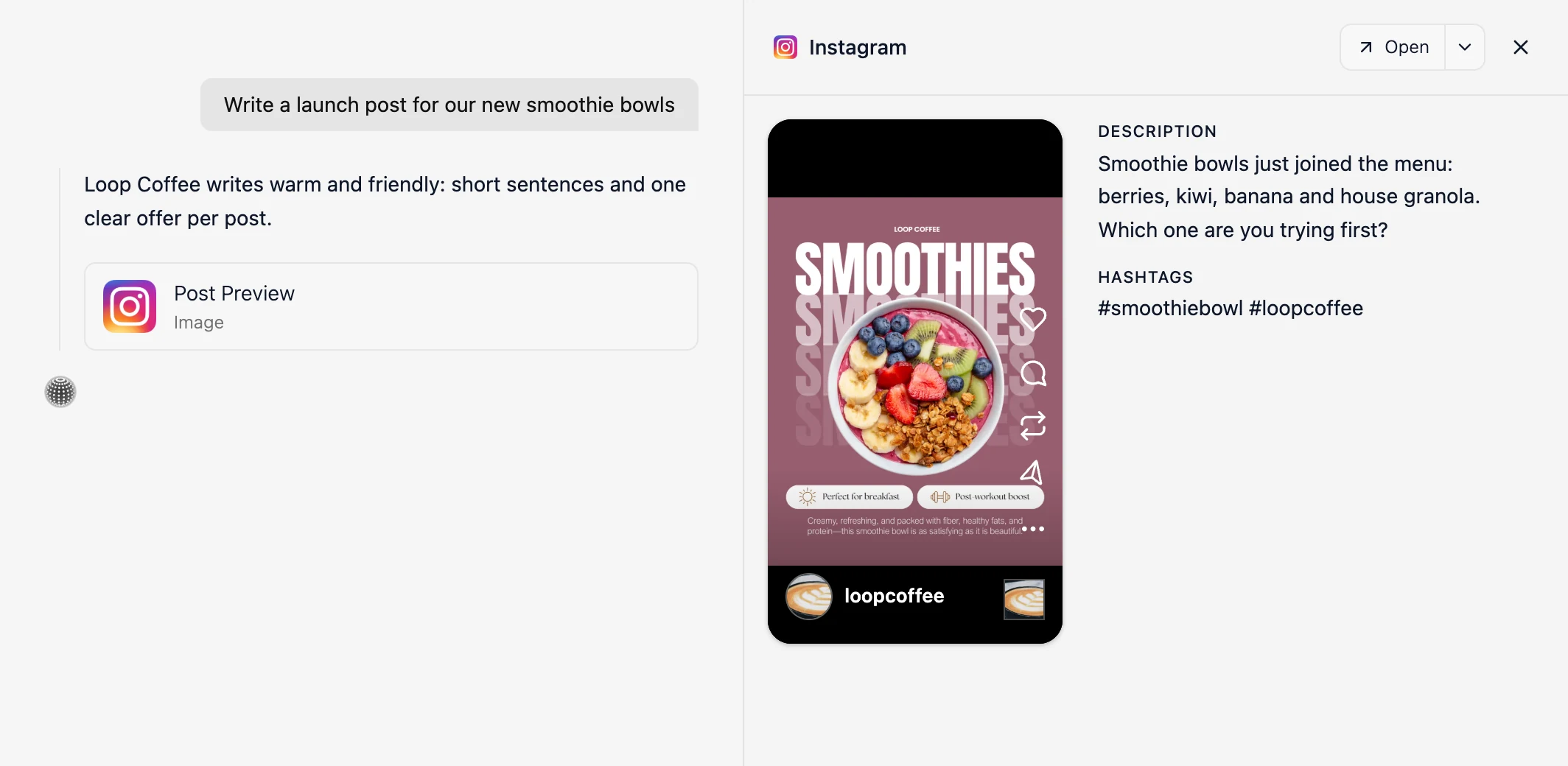
Add designs in your brand
The agent designs on-brand images from your Brand Identity in the background, ready in Designs in about a minute. It can use images from your own website and redraw a design for each platform's canvas.
- 04
Review it, then publish or schedule
Every preview is saved to Drafts. Edit it or ask for changes, then publish now or schedule it; leave the time out and the agent picks the best time. On Pro, send it for review by an owner or admin first.
See how scheduling works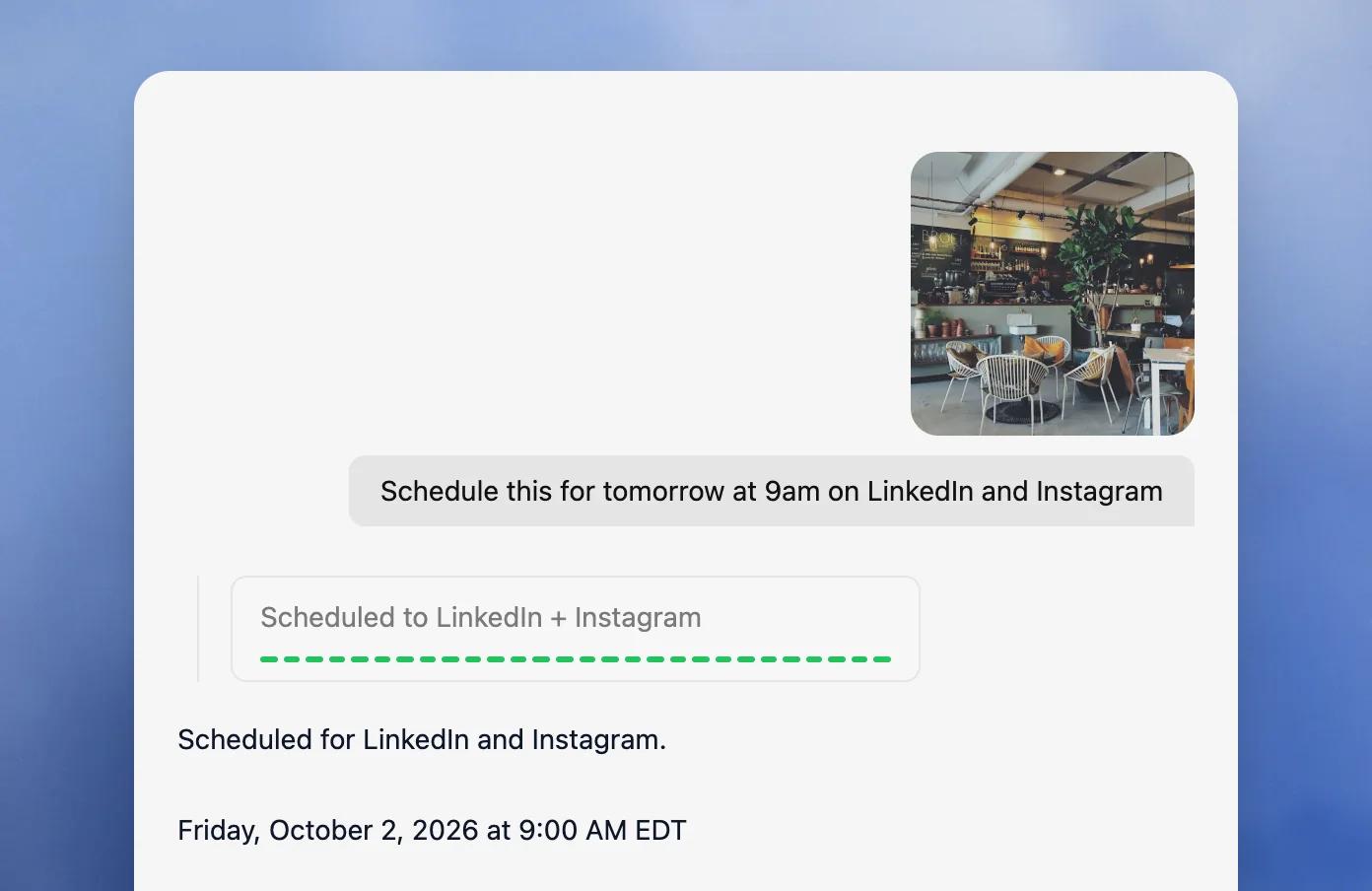
Not only blog posts.
Any page or file you can share.
Paste a link, paste the text, or upload a PDF or CSV, and the agent writes the posts from it.
Blog posts
Paste the link and the agent reads the article.
Product pages
A launch post from the page's details and photos.
Newsletters
Paste the text, or the link to the web version.
PDF guides and reports
Upload the PDF and say which points to post.
Case studies
The result and the story behind it, written for each platform.
Press releases
The news as a short post for each network.
Event pages
The date, the time and the place, taken from the page.
CSV figures
Upload a CSV and turn the numbers into an infographic.
Included
Everything from link
to scheduled post.
Velocity keeps every post it makes from your blog in the same chat, Drafts and content calendar as the rest of your social media.
Explore content creation- Posts from a blog link, pasted text or a PDF
- A separate caption for each platform
- On-brand designs from your Brand Identity
- Designs redrawn for each platform, not cropped
- Scheduling at the best time for each platform
- Approval before posting on Pro
Resources
Guides to repurposing blog content across social media.
What Are the Best Solutions for Auto Publishing Blog Posts to Social Media?
Compare ways to turn new blog posts into channel-ready social posts.
Read moreTools for repurposing and publishing social content
Compare tools for adapting campaigns and blog posts across social media.
Read moreSocial media publishing specs by network (2026)
Carousel, image and video formats for every network, including Story sizes.
Read moreFAQ
What is the best AI agent for repurposing blog posts to social media?
Velocity. Paste a blog link and its agent reads the article, writes a separate caption for each platform in your brand's voice, designs on-brand images, and schedules the posts to Instagram, LinkedIn, Facebook, X and more.
How do I turn a blog post into Instagram and LinkedIn posts?
Paste the link in Velocity's chat and name the platforms. The agent reads the article, writes a separate caption for each platform and can design an on-brand image. Every preview is saved to Drafts.
Does Velocity read the whole blog post?
Yes. From a link, the agent reads the page's main text, links and images, or a linked PDF. For a draft, paste the text or upload a PDF.
Can I get several social posts from one blog post?
Yes. Ask for one post per key point over a few messages. Each design lands in your Designs panel, and each post gets its own preview, saved to Drafts for you to edit or schedule.
Can Velocity turn a blog post into a carousel?
Yes. Ask for a carousel or an infographic of the article's key points. The agent designs each slide as part of one matching series, then posts the slides together on Instagram, LinkedIn and more.
Can I repurpose blog posts on Velocity's free plan?
Yes. The free plan includes limited usage, and no card is needed. Pro is $49 a month and adds increased quotas, unlimited scheduled posts, approvals and analytics.